How to Fix Echo and Calibrate Meeting Room Audio
Key Takeaways
- Echo occurs when sound from the loudspeakers in a conference room is picked up by the microphones in that room and transmitted back to other call participants.
- Microphones, loudspeakers, collaboration software, and room acoustics all contribute to videoconference call echo.
- To prevent echo, choose ceiling-mounted or wall-mounted array microphones with very narrow pickup patterns, or use table microphones placed within arm’s reach of each talker.
- Use an automatic mixer to reduce the number of open microphones and avoid excessive loudspeaker volume.
- In medium and large rooms with multiple microphones and loudspeakers, use a powerful Acoustic Echo Canceler that can handle complex audio paths rather than the more basic echo canceler algorithm built into the collaboration software.
- Add soft surfaces like carpet, curtains, or sound-absorbing panels that do not reflect sound.
What Is Echo?
The sound picked up by the microphones in one meeting room comes out of the loudspeakers in another meeting room. If a microphone in the second room picks up the sound from those loudspeakers and sends it back to the first room, the people in the first room hear it as an echo of their speech.

What Causes Echo in Videoconference Calls?
Echo occurs when sound from the loudspeakers in one location on a videoconference call is picked up by the microphones in that room and transmitted back to other call participants. Because there is a small time delay in the transmission process, the returning sound is heard as a distinct echo. Several factors can contribute to conference room echo:
- Microphones too close to loudspeakers
- Loudspeaker volume turned up too loud
- Microphones not directional enough, so they pick up sound from loudspeakers
- Too many microphones turned up at one time
- Hard room surfaces (glass, concrete, tile, etc.) that reflect sound
- Poor performing Acoustic Echo Cancellation DSP (Digital Signal Processor)
- No audio reference for Acoustic Echo Canceler
- Having a laptop in the same room as the meeting room system connected to the meeting with its microphone and loudspeakers enabled
How To Identify Where Echo is Coming From
If you are hearing an echo of your own speech, it is caused by one of the other participants on the call. Their microphones are picking up the sound of your voice coming from their loudspeakers and sending it back to you. If there are multiple participants on a call, ask each one to mute their microphone (one at a time) while you talk. If the echo disappears, the participant whose microphone is muted is the source.
How Do I Eliminate Echo in a Conference Room?
To eliminate echo problems in a videoconference call, choose the proper audio equipment and optimize the room characteristics to support sound quality.
- Use an array microphone mounted on the ceiling or wall, which has very narrow pickup lobes that pick up less sound from loudspeakers, and which automatically aim themselves at each talker. Or, use directional microphones on the table placed within arm’s reach from each talker, which pick up less loudspeaker sound because they are close to the talkers.
- Adjust loudspeaker volume to a reasonable level that provides comfortable listening and clear intelligibility without excessive volume.
- Add soft coverings like carpet, curtains, or sound-absorbing panels. Hard surfaces (such as glass, concrete, tile, etc.) reflect sound waves around the room and into microphones, which can increase the likelihood of echo.
- Use an automatic mixer (usually included as part of the same DSP as the echo canceler) that only activates microphones that are being addressed. Additional open microphones add noise and reverberation and increase the chance of echo.
- Choose a more powerful Acoustic Echo Cancellation algorithm that can cancel echo in multiple audio paths at once. The echo cancellation algorithm built into most collaboration portals (like Teams, Zoom, etc.) may not be capable of handling the complex echo paths in a larger room with multiple microphones and loudspeakers.
- Provide a far end audio reference signal for the Acoustic Echo Canceler so the AEC knows exactly what audio to remove from the outgoing microphone mix. Without a reference, echo is more likely to occur. Shure Designer software’s Auto Route process automatically includes an AEC reference signal.
- If a participant at the table joins the meeting individually with a laptop, have them mute the microphone and loudspeaker so that the conferencing platform does not receive overlapping versions of the same audio. The result can be echo or unusual audio performance.
How to Calibrate Microphones for Room Acoustics
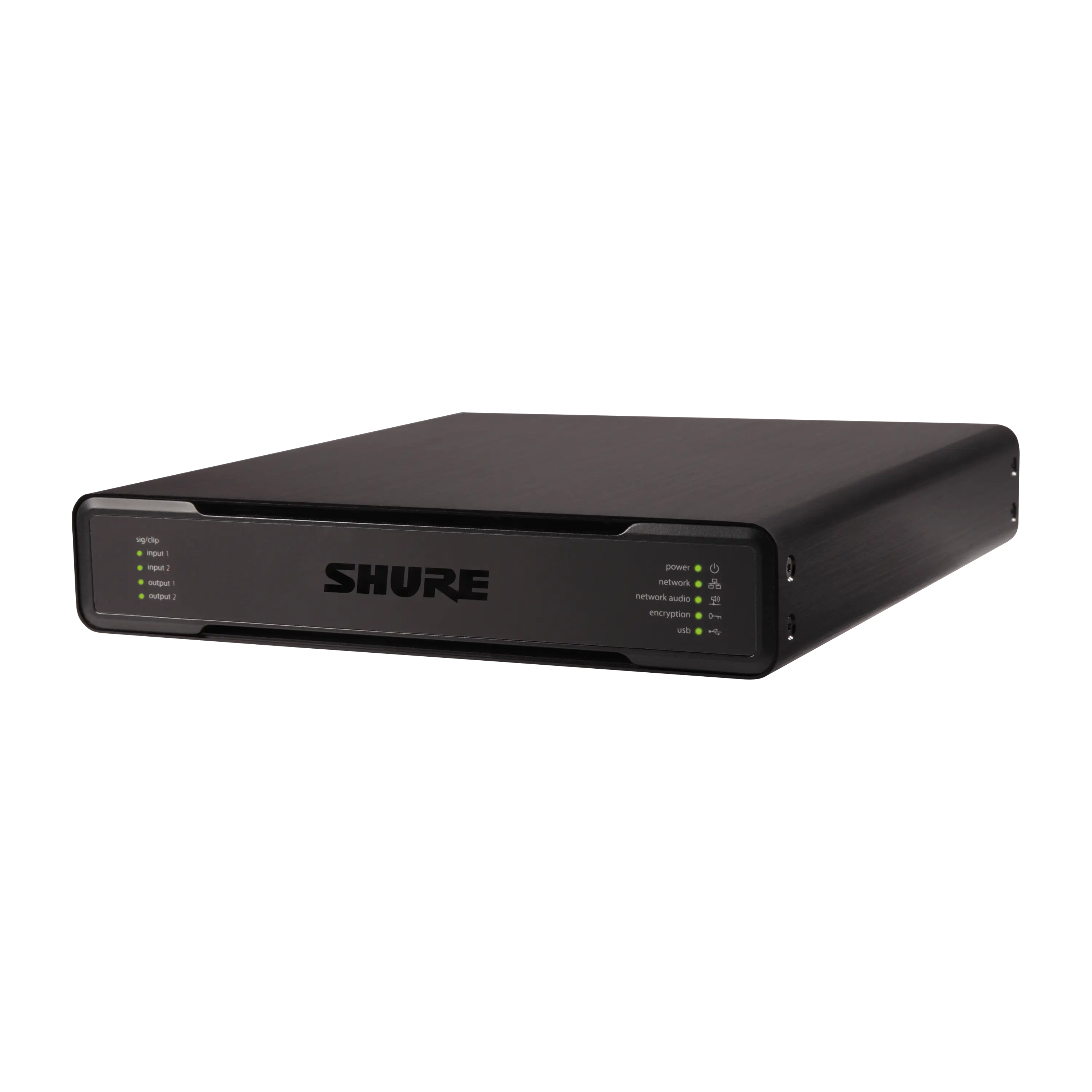
Sometimes, meeting room architecture and interior design elements make it challenging to provide excellent audio. Shure conferencing solutions like the MXA925 ceiling array microphone, IntelliMix® P300 Audio Conferencing Processor, and IntelliMix Room software include advanced DSP capabilities to address specific audio issues like noise, reverberation, or varying audio levels that may arise due to room characteristics that cannot be easily changed.
- If ambient room noise is noticeable, Noise Reduction keeps the focus on your voice by reducing the level of constant noise sources like HVAC systems, network switch or server fans, or media projectors. AI Denoiser can remove random sounds like pencil tapping, keyboard clicking, or the crinkling of chip bags without disturbing speech pickup.
- In rooms with high ceilings or reflective surfaces, AI Deverb removes reverberation in real time to eliminate typical “hollow sound.” Its processing strength can be adjusted to match specific room conditions.
- When the room layout places some participants at greater distance from the nearest microphone, controls like Automatic Gain Control, Compression, and EQ allow microphones to adjust the gain to control speech level variations to ensure high intelligibility.
- Some room designs include an entry door near the presenter, and door opening and closing or voices from a hallway can be disruptive to remote listeners. The Virtual Acoustic Boundary can remove unwanted sounds coming from outside the microphone’s defined coverage area, so that interruptions are not heard.
Shure conferencing solutions like Microflex Advance array microphones, IntelliMix Bar Pro, and IntelliMix Room software include powerful features that solve the problem of how to fix echo and calibrate meeting room audio. They can greatly improve sound quality even in challenging room environments.

Shure Incorporated
Shure has been helping people sound extraordinary for more than 100 years. Founded in 1925, we are a leading global manufacturer of audio and collaboration technology, known for our commitment to qual…