
Wireless Workbench 7
Desktop app for RF coordination and wireless system management
Wireless Workbench es el software gratuito de Shure para los profesionales del audio que combina un conjunto...
Beneficios de los productos Shure
Wireless Workbench ayuda a configurar y gestionar los dispositivos inalámbrico en red. Permite escanear el espectro de RF rápidamente, así como identificar y asignar frecuencias a los dispositivos de manera muy eficiente con solo unos pocos clics. Al empezar la producción, podrás gestionar de forma remota la RF de cada componente inalámbrico de Shure para garantizar que la producción se desarrolla satisfactoriamente.
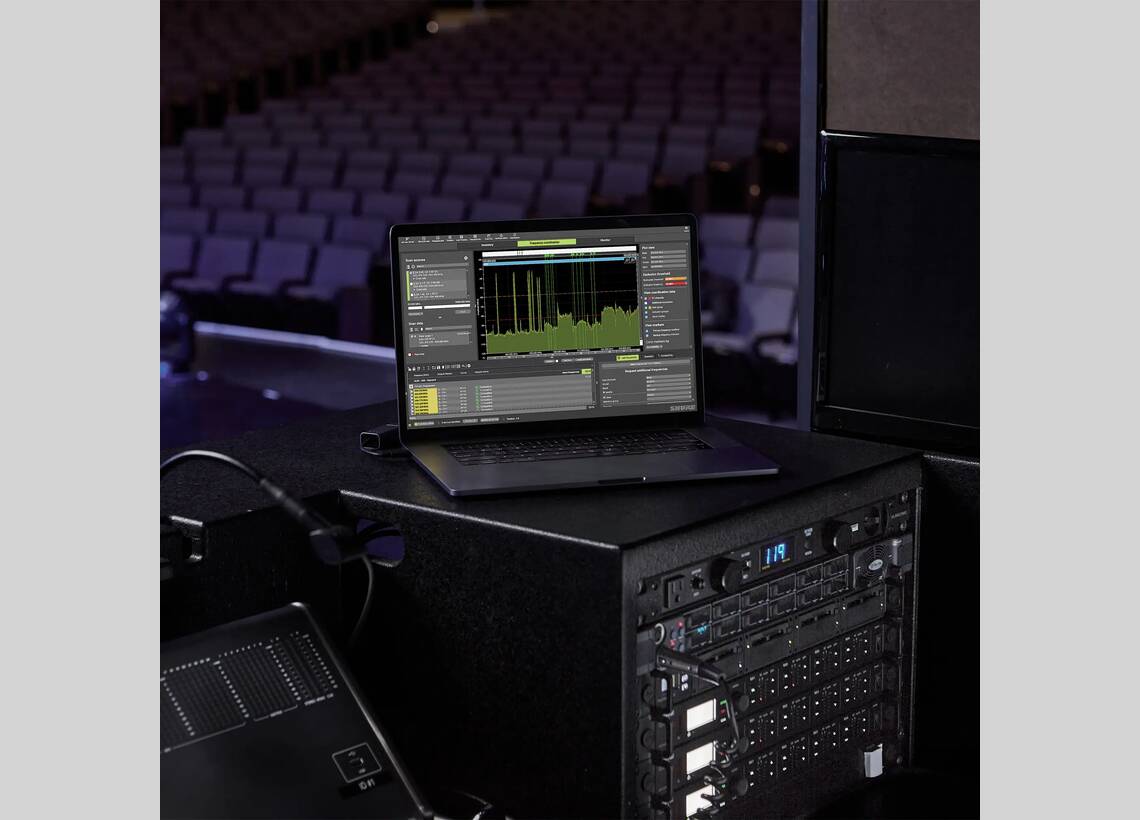

DescargarWireless Workbench 7
- DescargarVersión 7.9.0 | Ver todas las Actualizaciones
Productos Relacionados
 SBC250SBC250 Base de carga en red de 2 puertosSaber Más
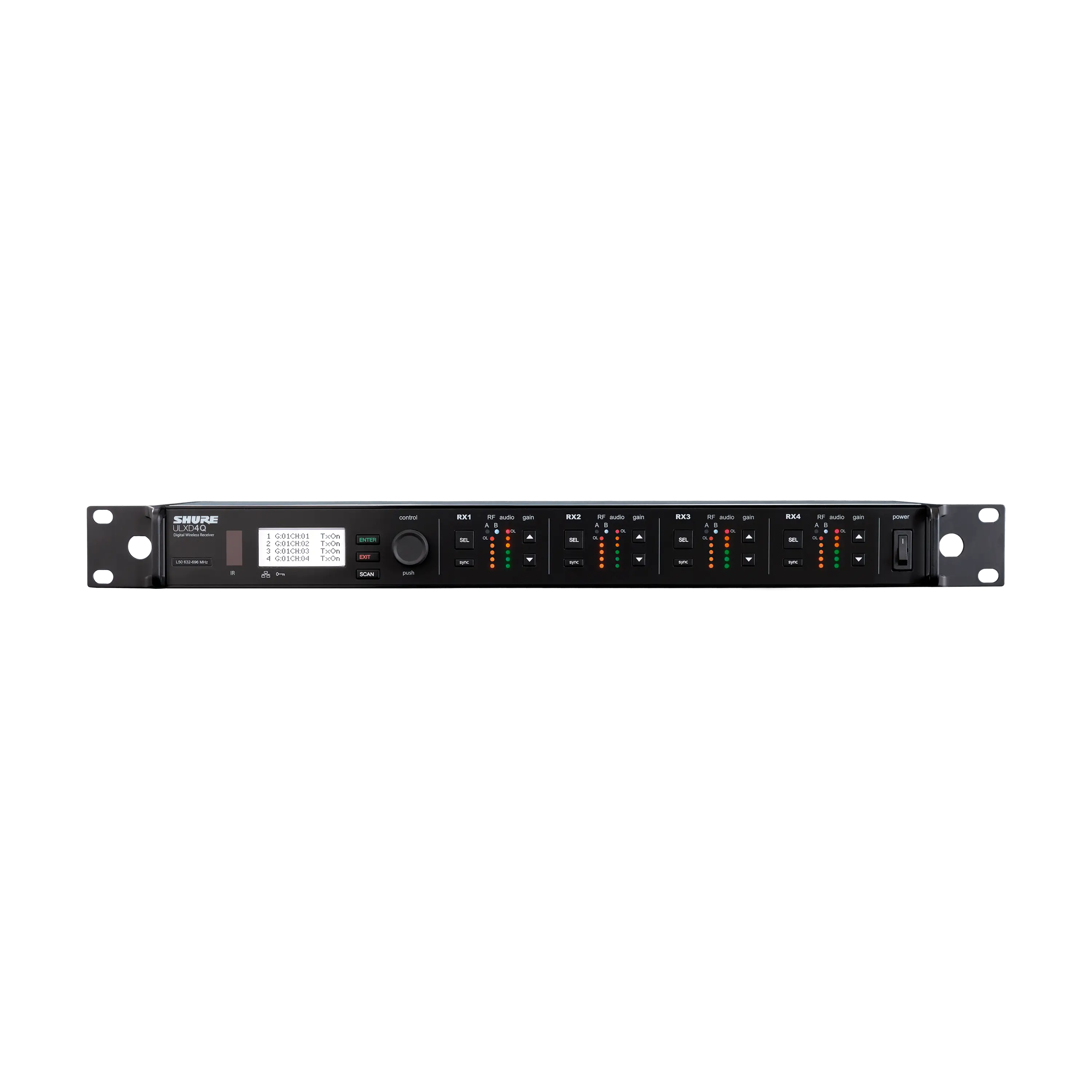 ULXD4QRECEPTOR INALÁMBRICO DIGITAL CUÁDRUPLESaber Más
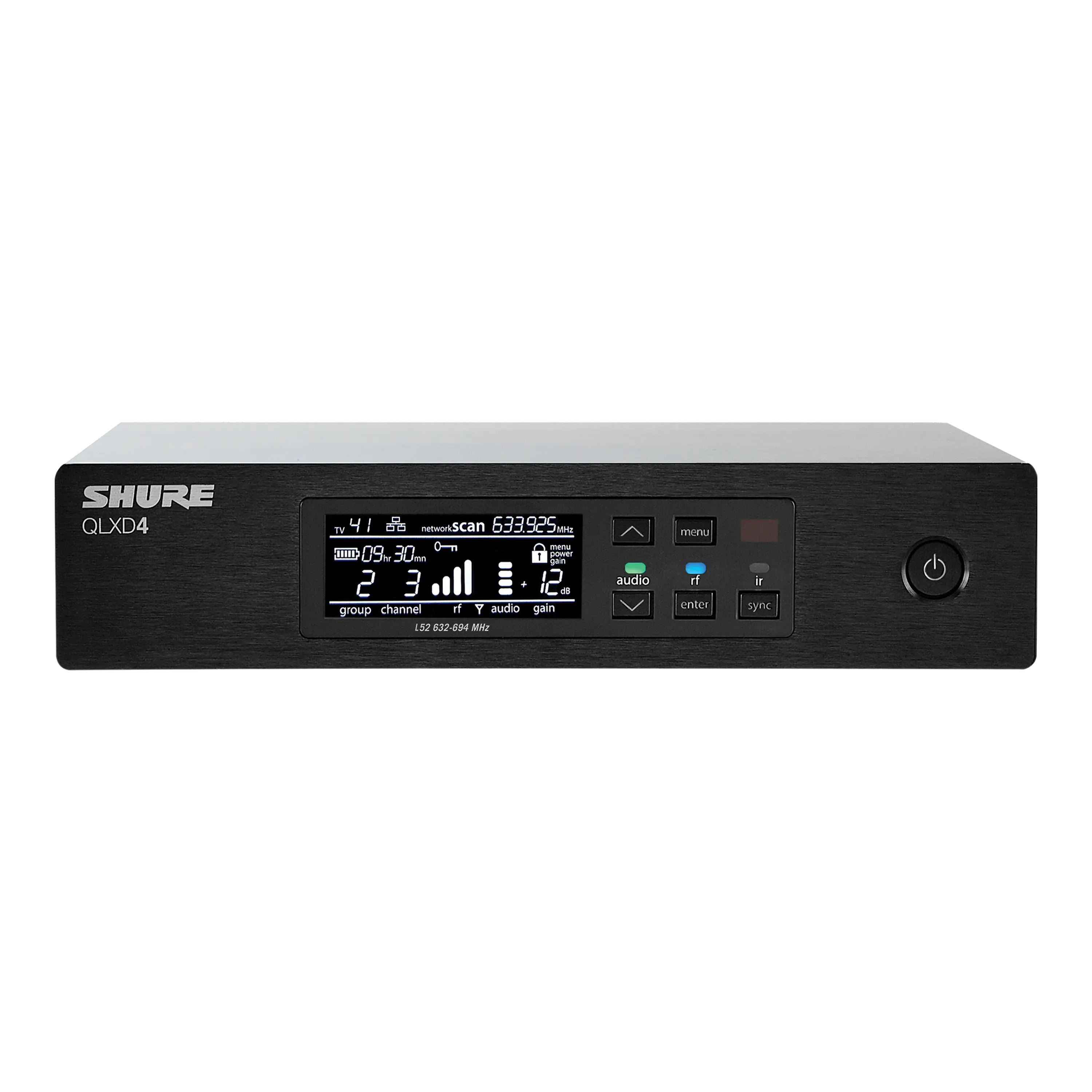 QLXD4QLXD4 Receptor inalámbrico digitalSaber Más
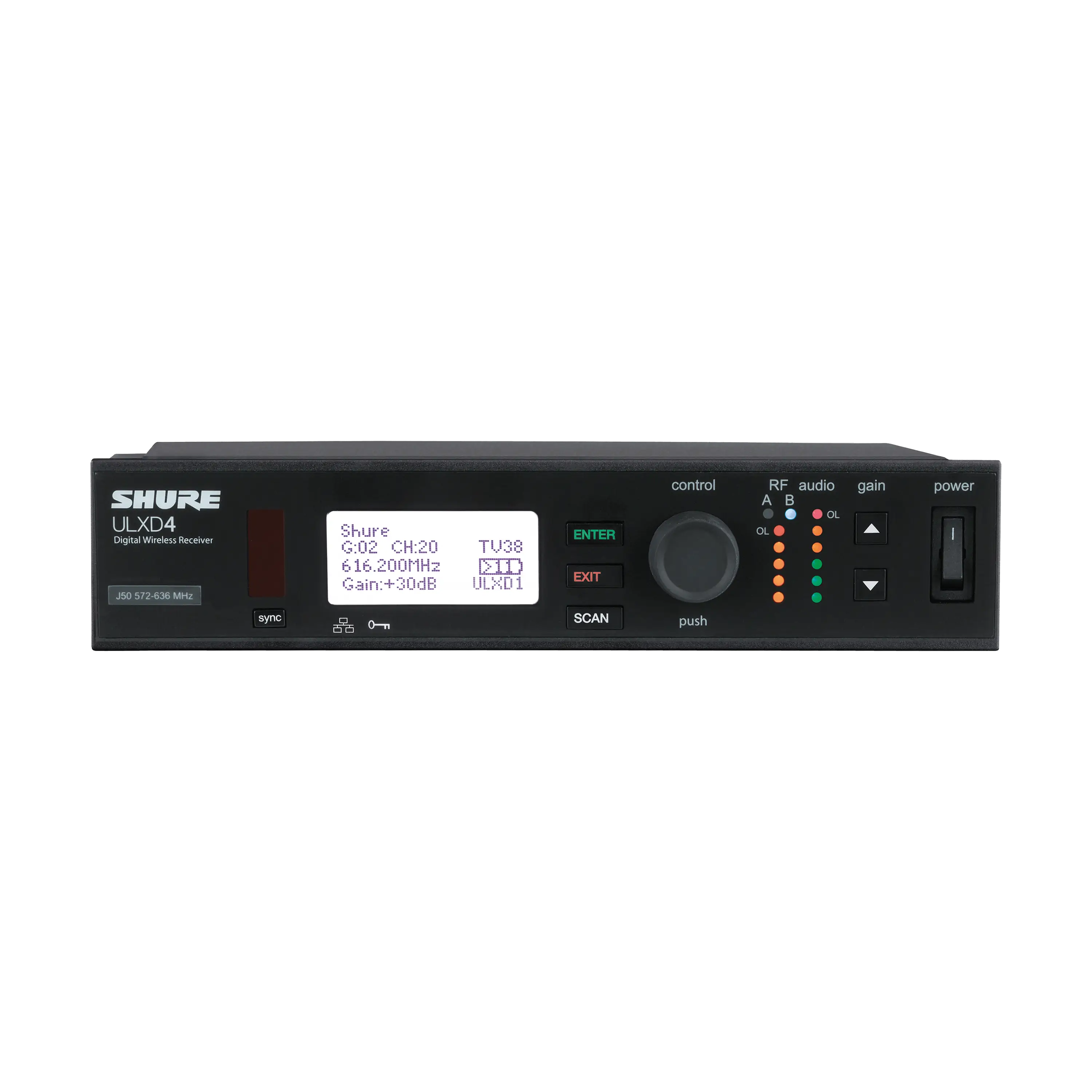 ULXD4Receptor Inalámbrico DigitalSaber Más
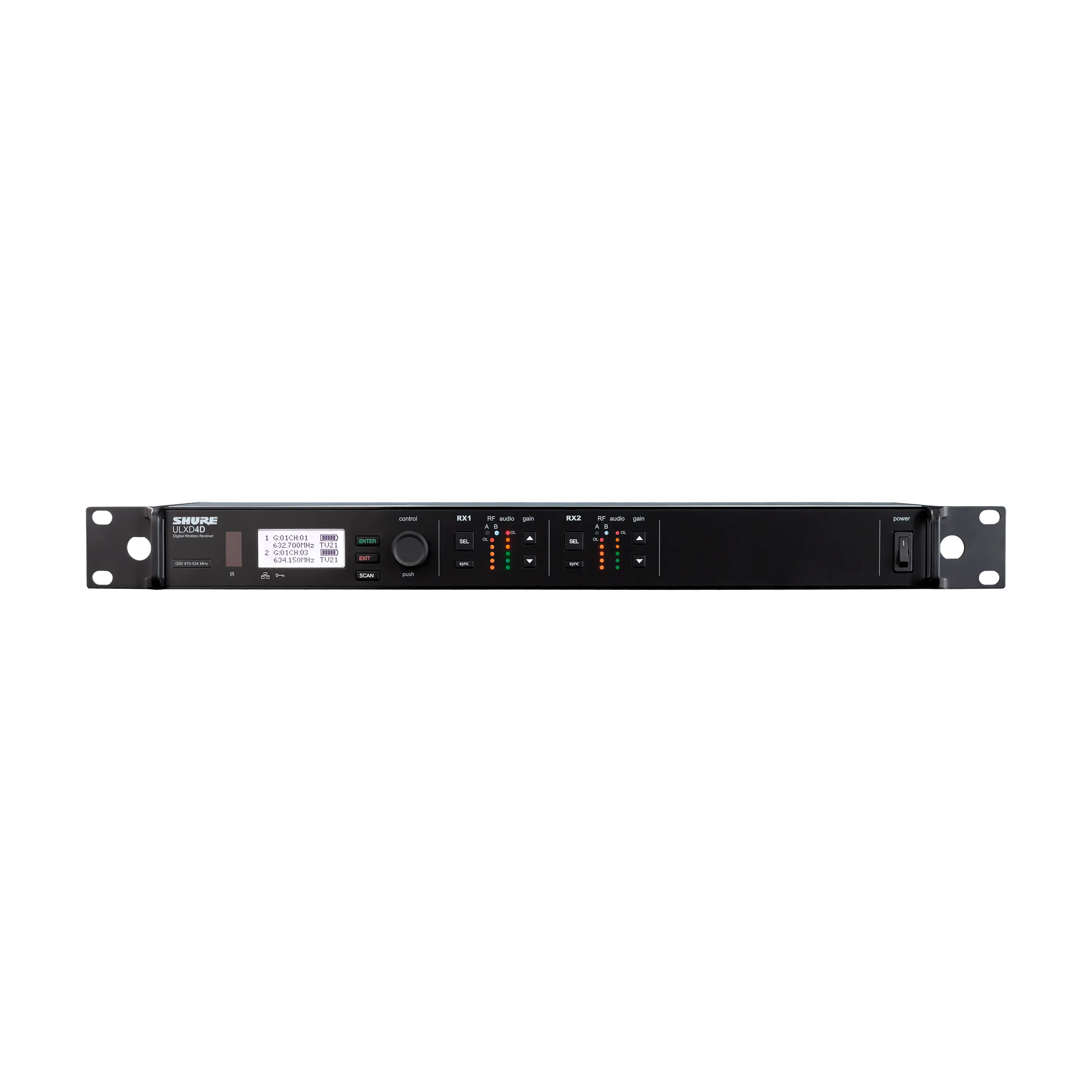 ULXD4DReceptor Inalámbrico Digital de Dos CanalesSaber Más
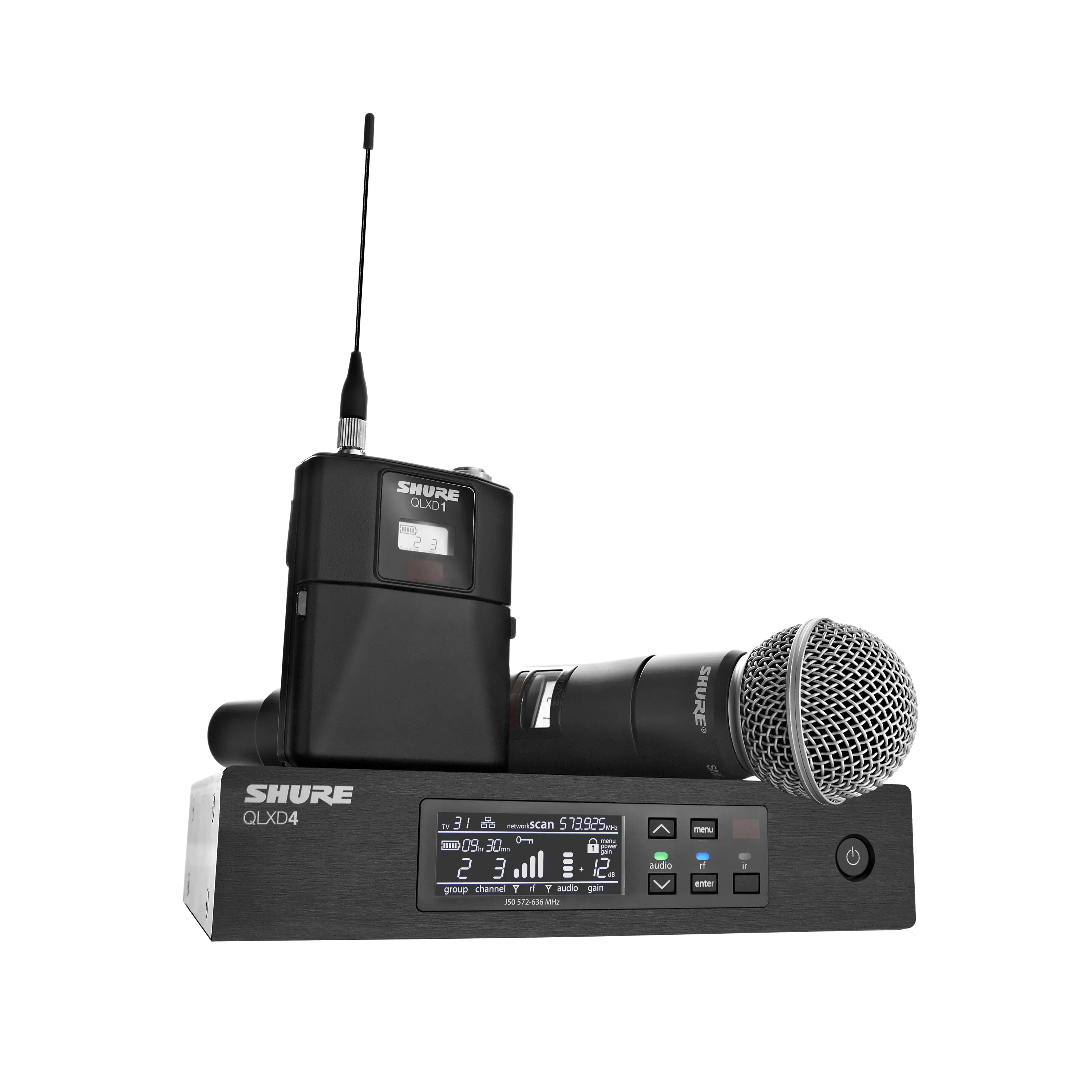 QLX-DSistemas inalámbricos digitales QLX-D®Saber Más
 SBRCSBRC Estación de carga para montaje en rackSaber Más
 Axient DigitalSISTEMAS INALÁMBRICOS DIGITALESSaber Más
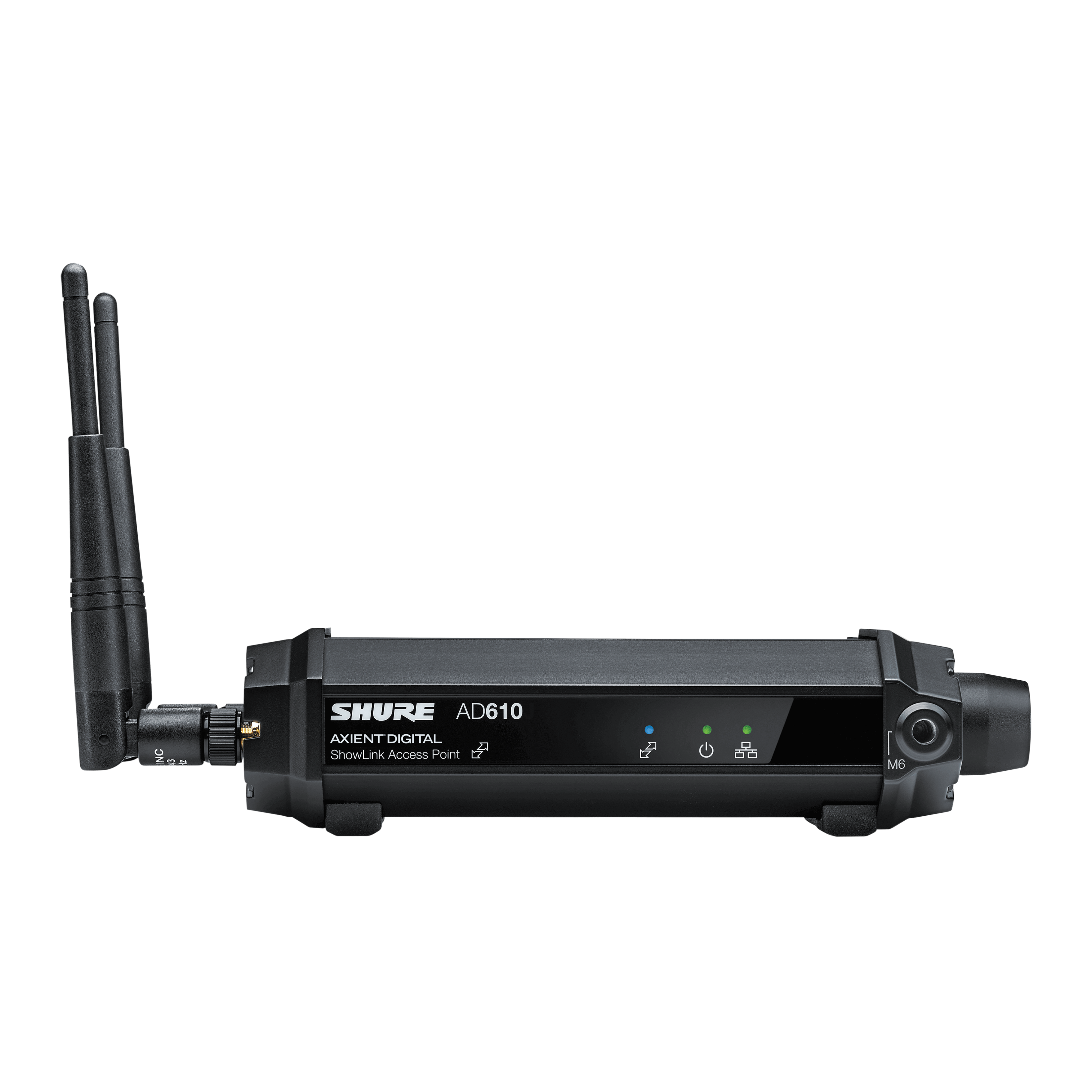 AD610AD610 Punto de acceso Diversity ShowLink®Saber Más
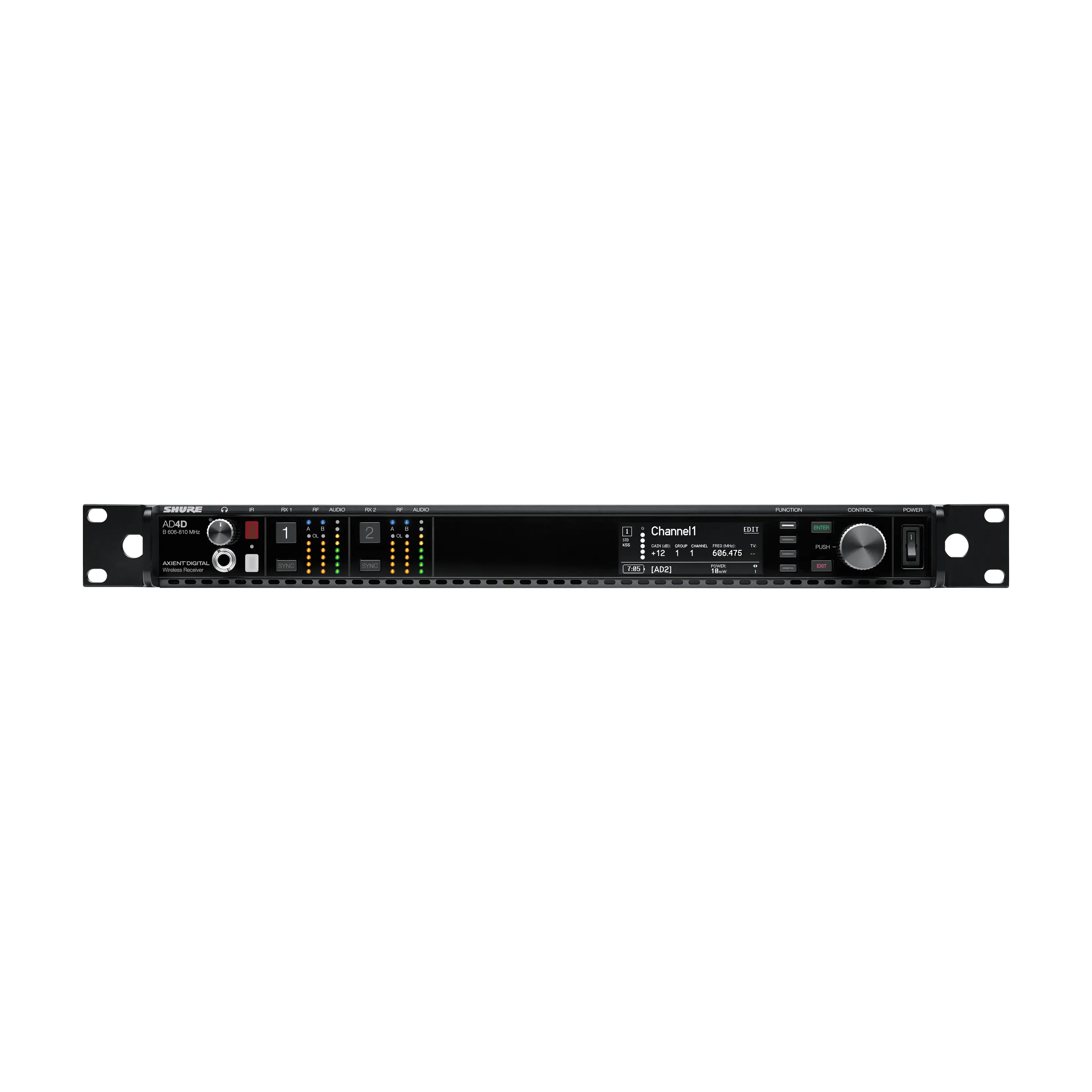 AD4DAD4D Receptor inalámbrico digital de 2 canalesSaber Más
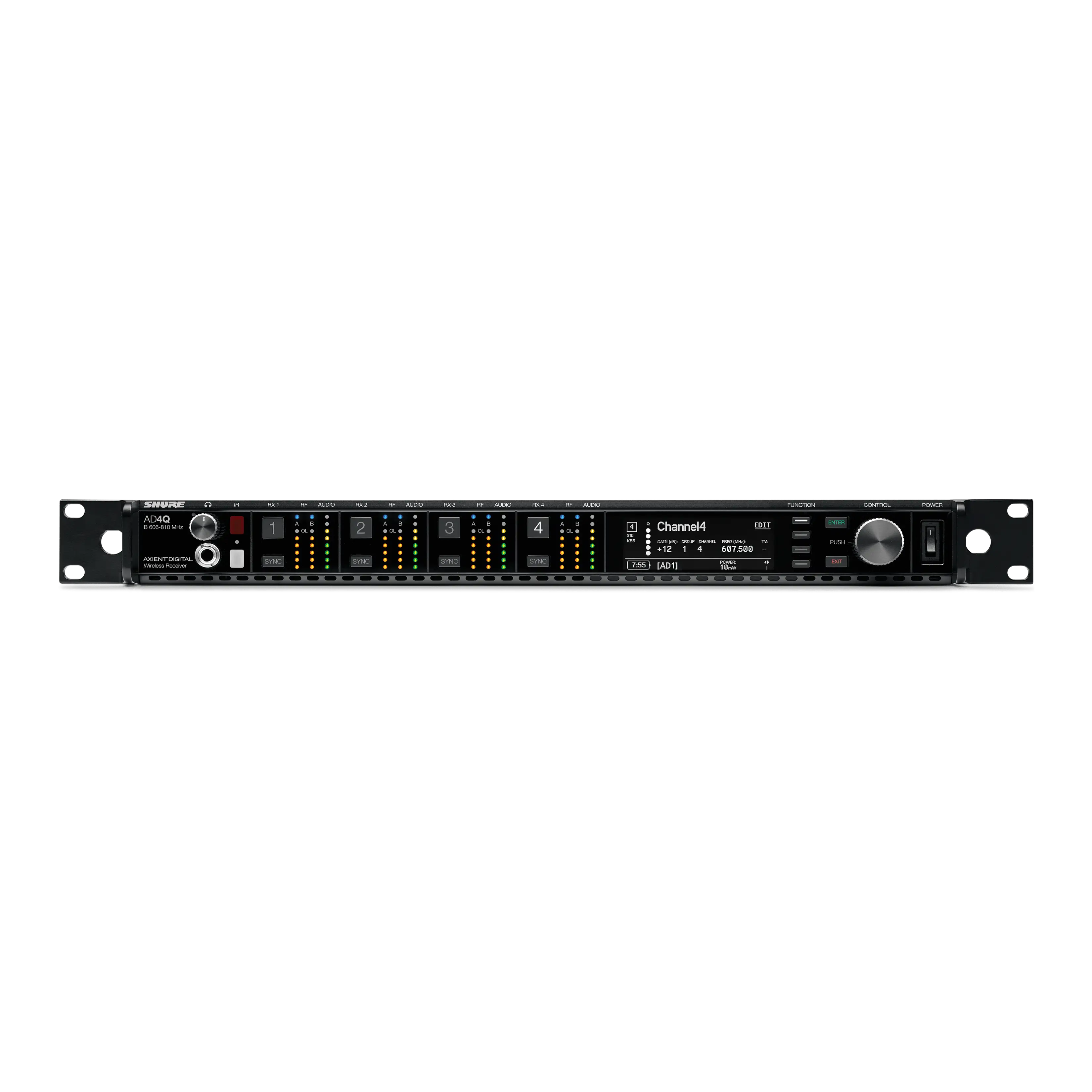 AD4QAD4Q Receptor inalámbrico digital de 4 canalesSaber Más
 ULX-DSISTEMAS INALÁMBRICOS DIGITALESSaber Más
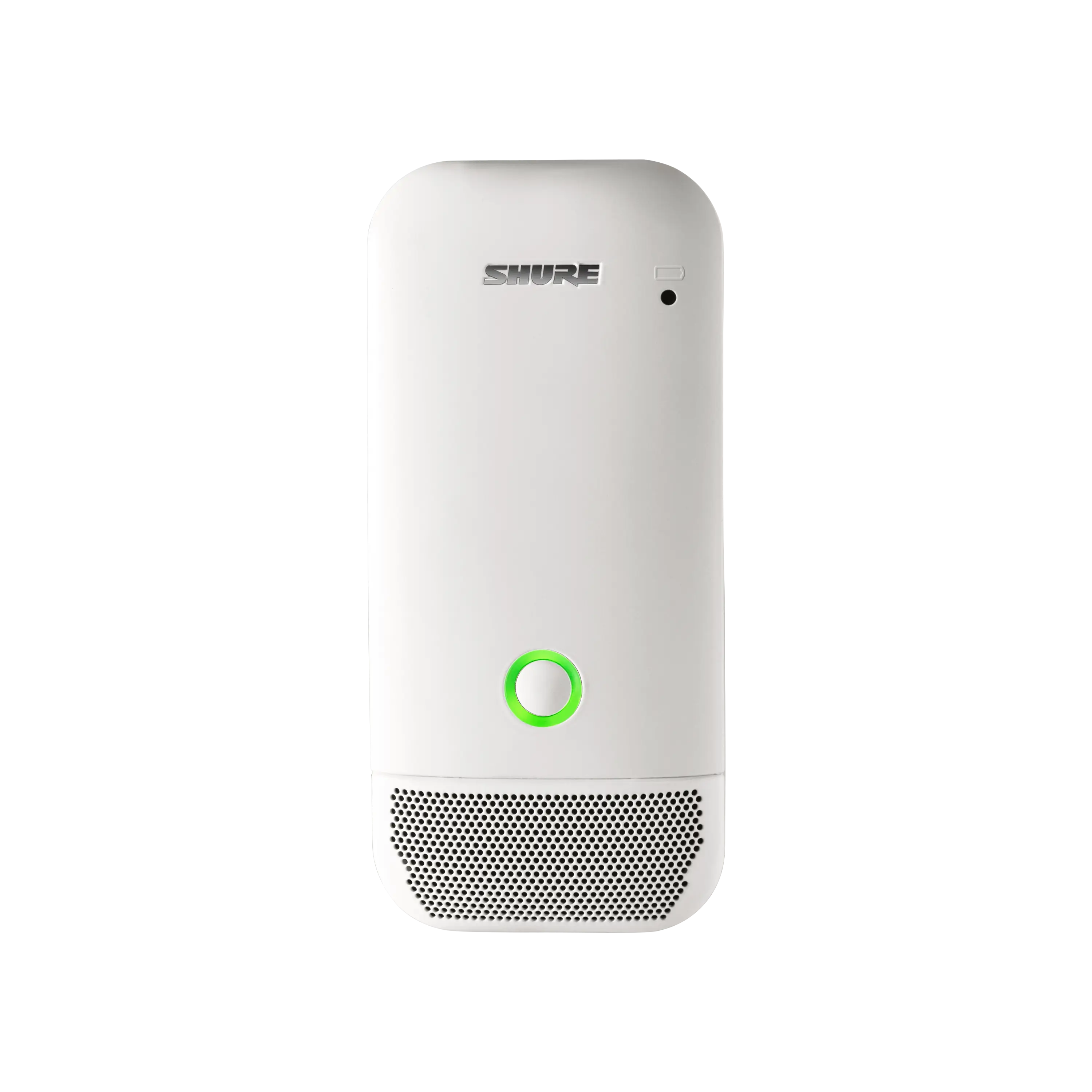 ULXD6ULXD6 Micrófono transmisor de superficie inalámbricoSaber Más
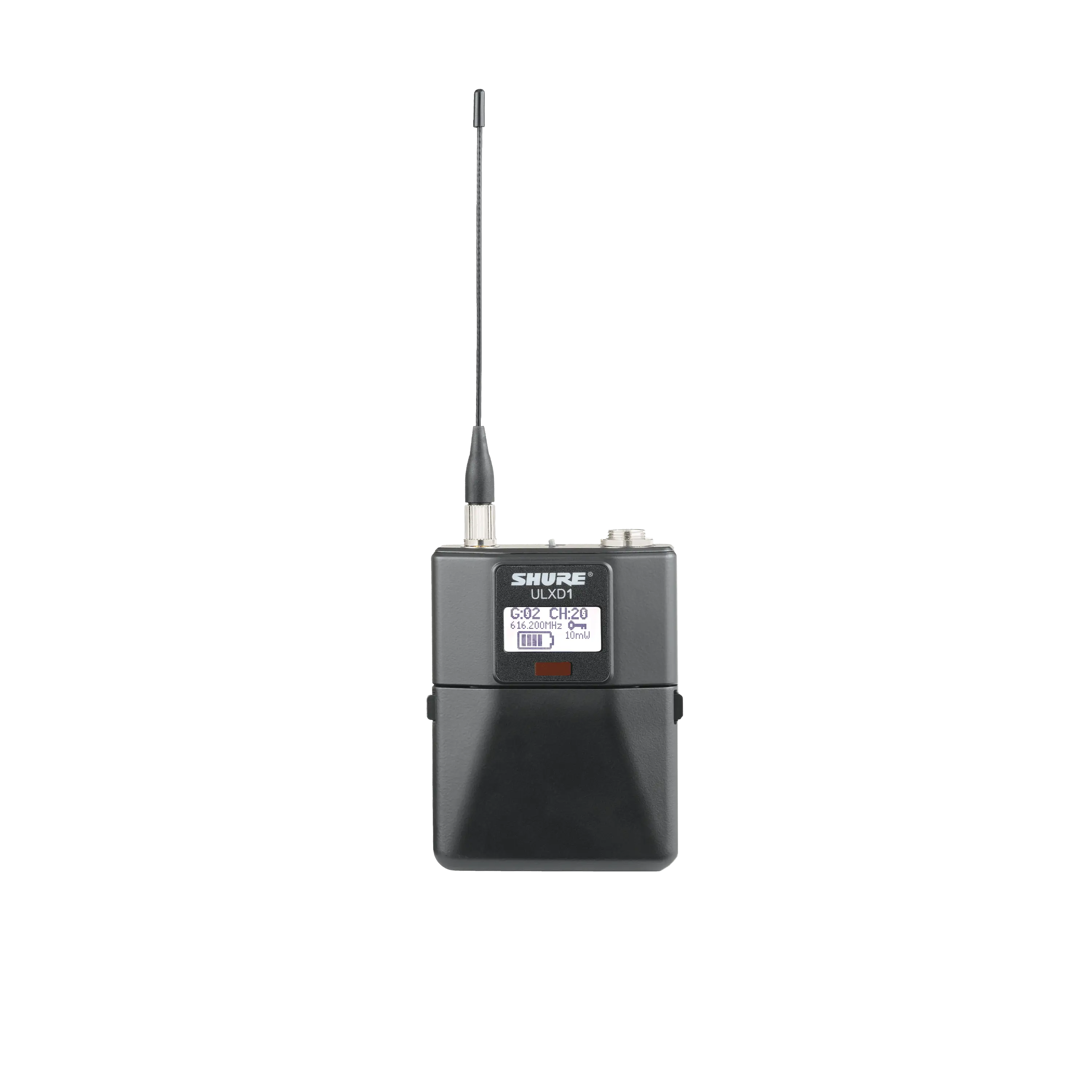 ULXD1ULXD1 Transmisor digital BodypackSaber Más
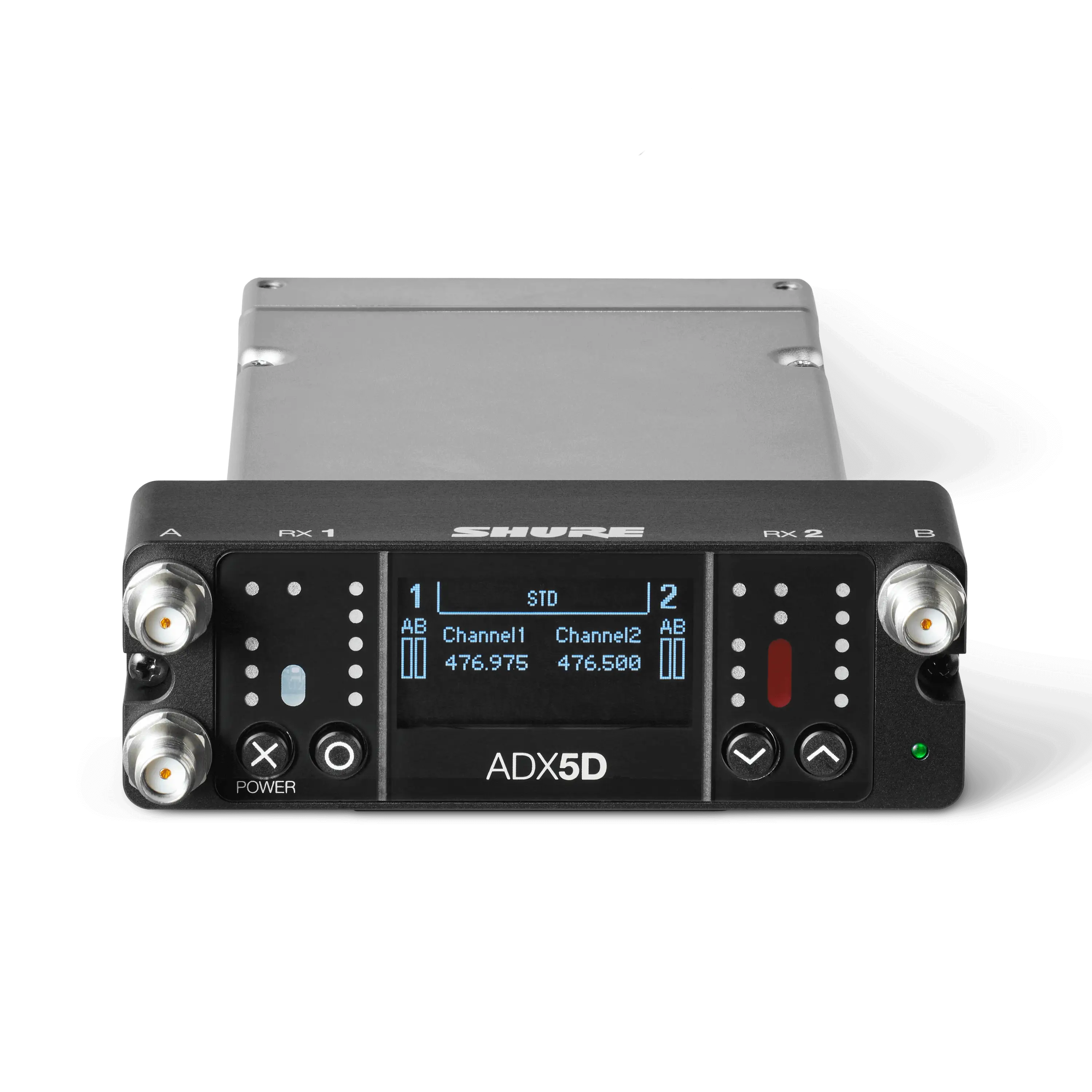 ADX5DAxient® Digital Dual-Channel Portable Wireless ReceiverSaber Más
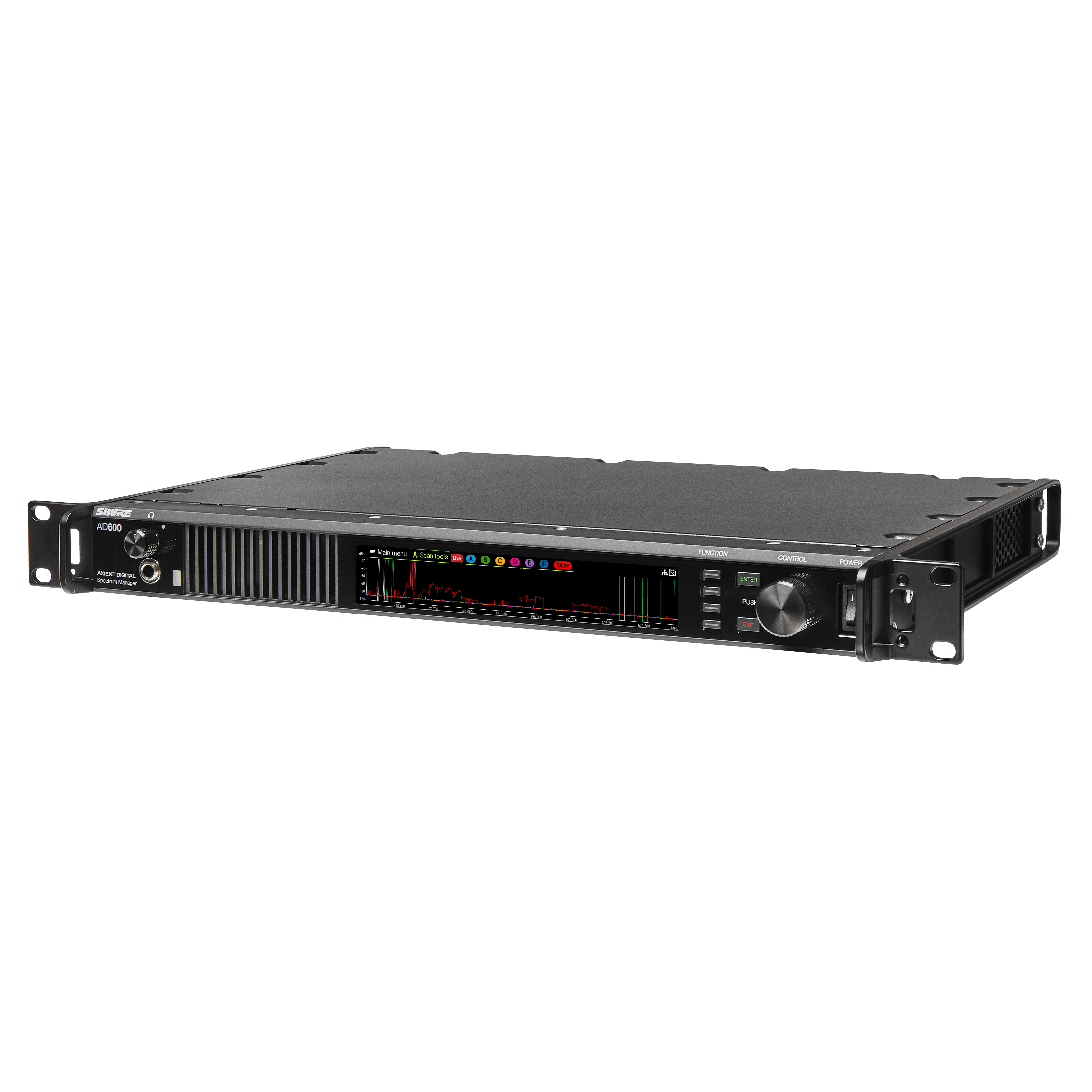 AD600Administrador de Espectro Axient DigitalSaber Más
 ADX3Transmisor Digital Plug-On Axient® con ShowLink®Saber Más
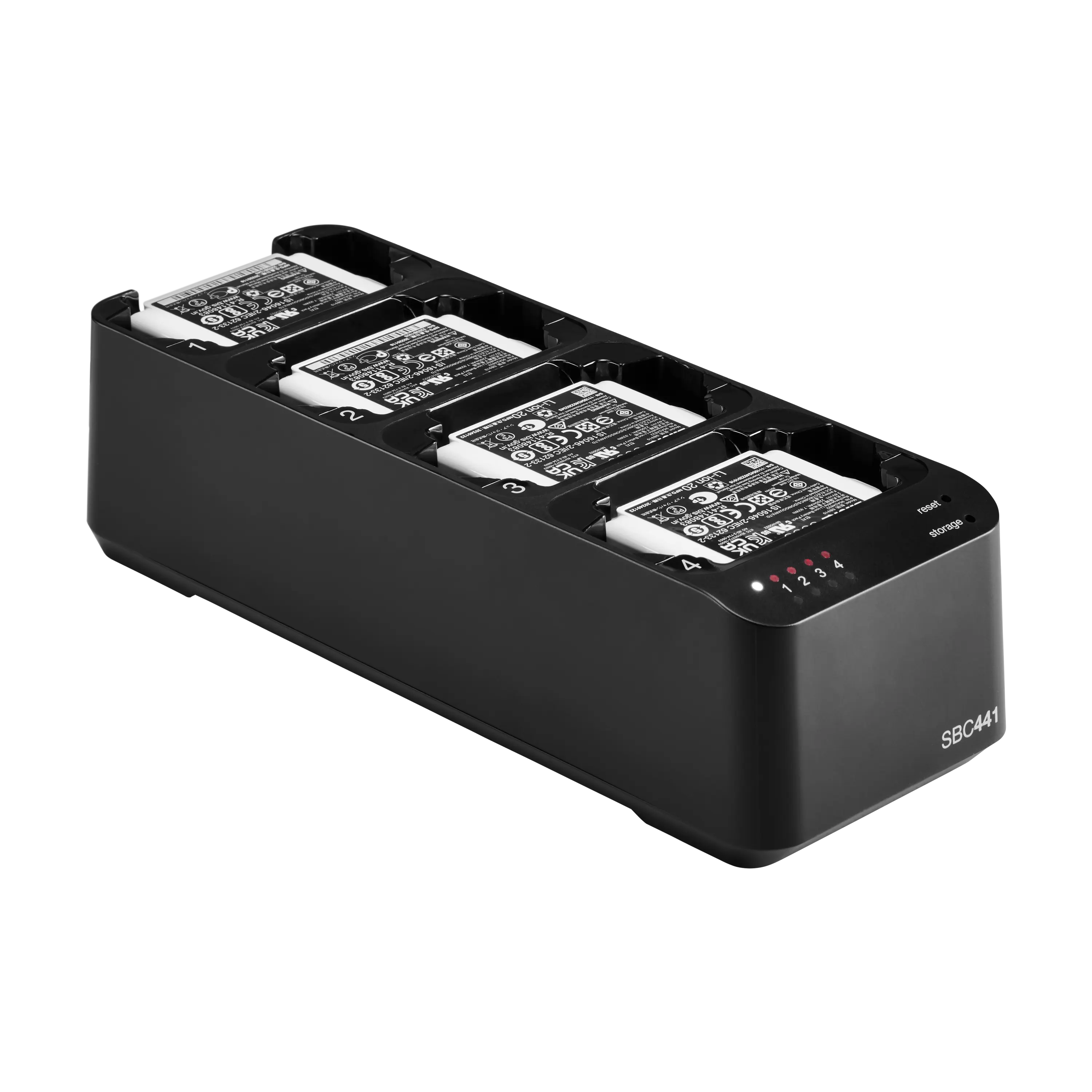 SBC441Cargador de acoplamiento de 4 ranuras PSM digital Axient®Saber Más
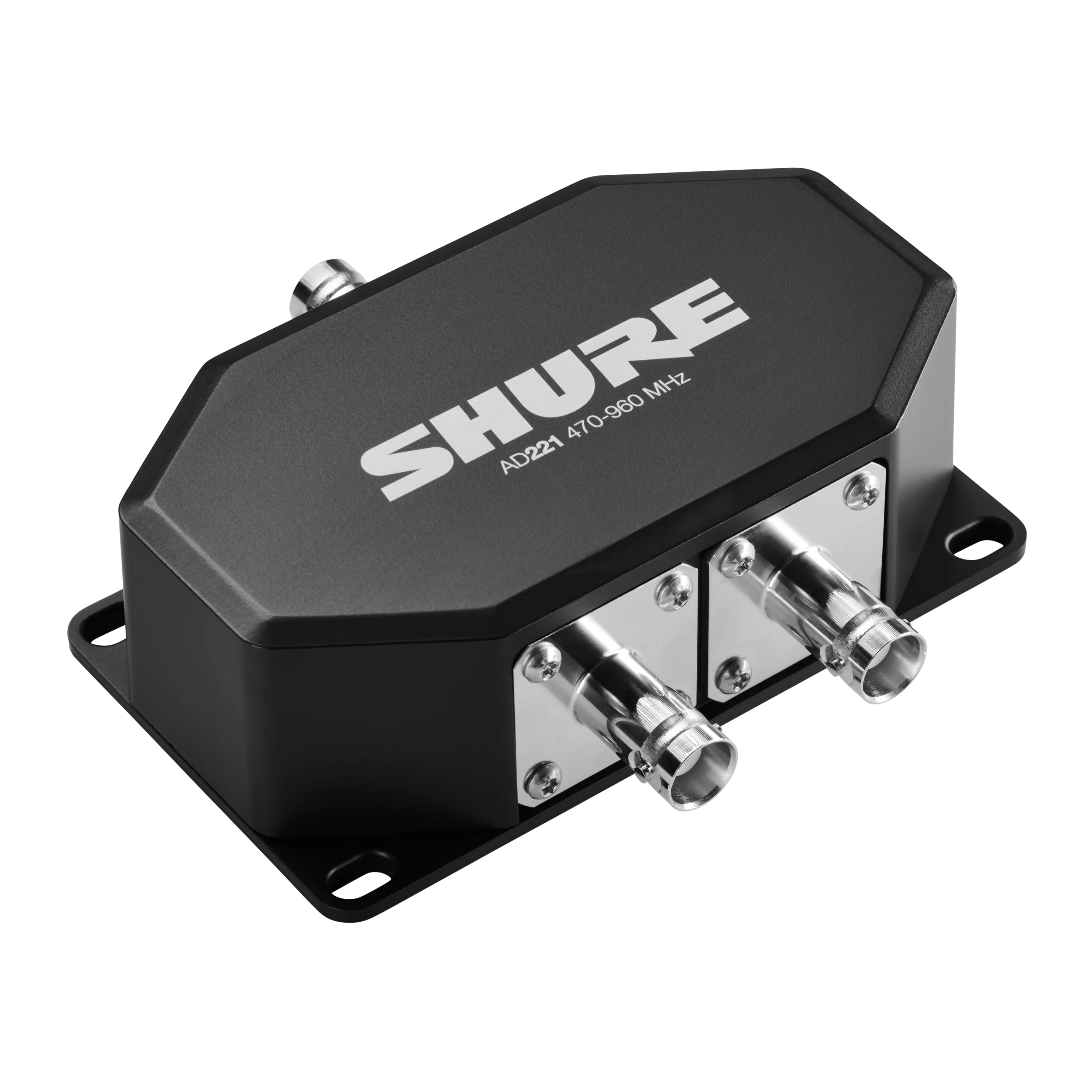 AD221Combinador/divisor pasivo de 2 vías Axient® Digital PSMSaber Más
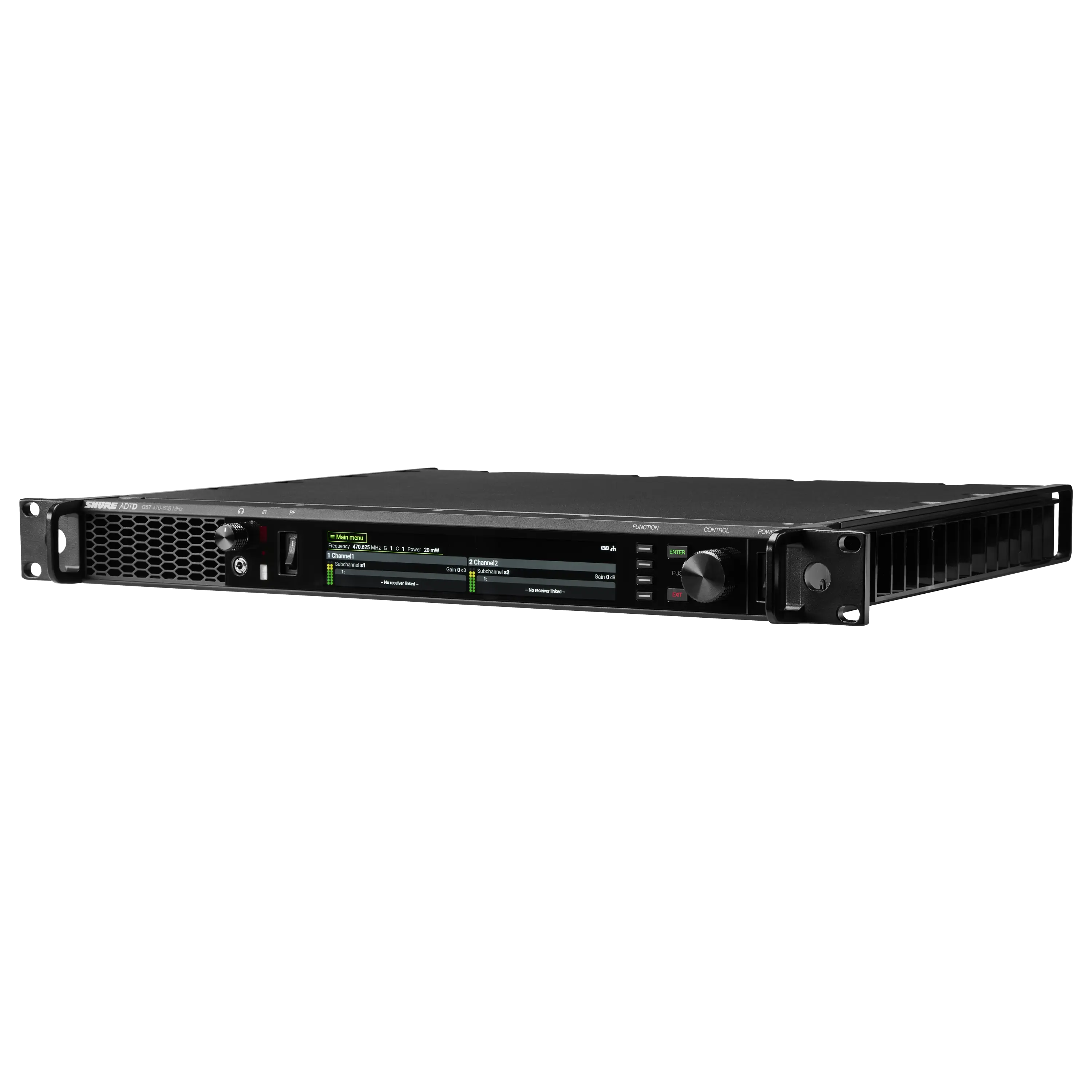 ADTDTransmisor Inalámbrico Dual Axient® Digital PSMSaber Más
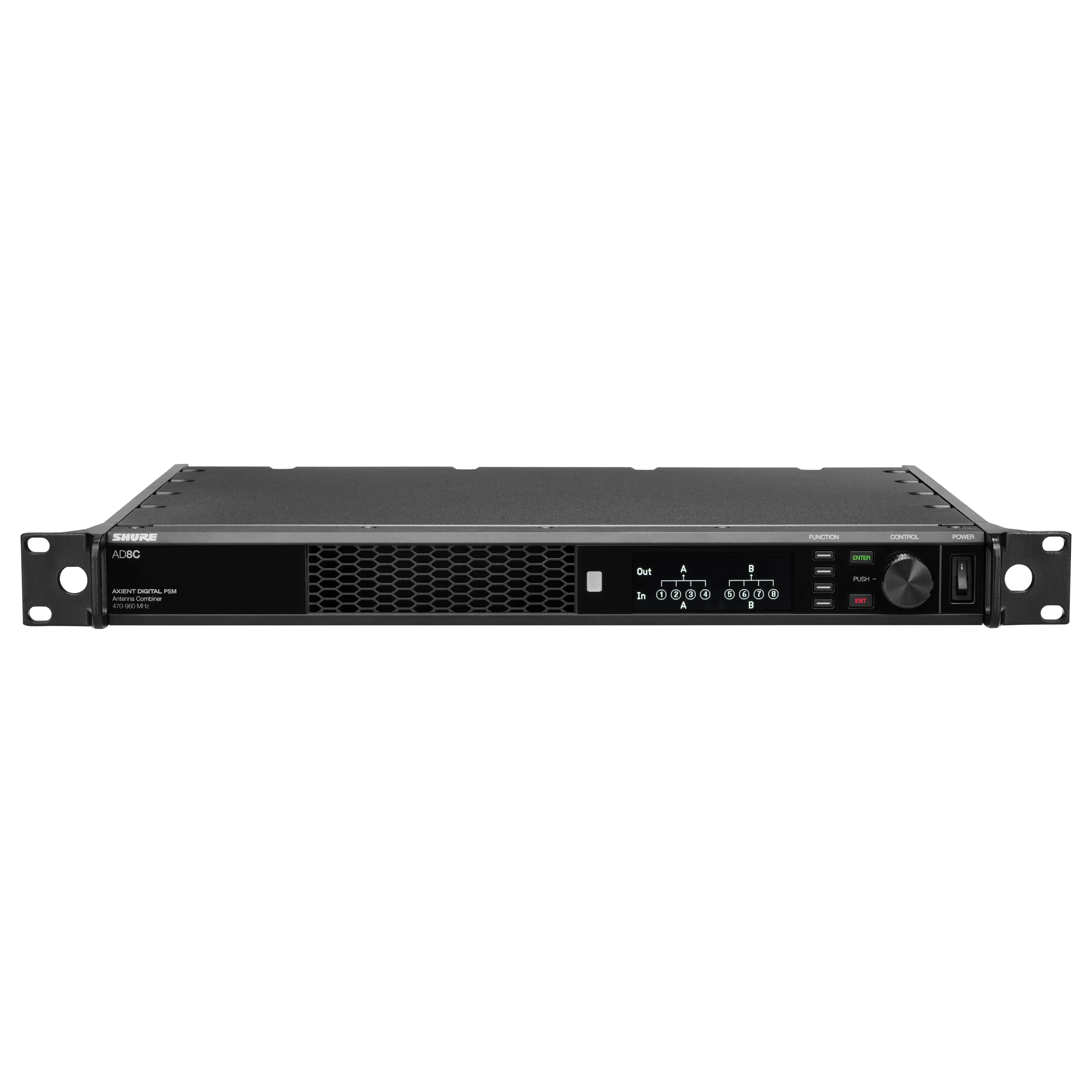 AD8CCombinador de antena de 8 puertos PSM digital Axient®Saber Más
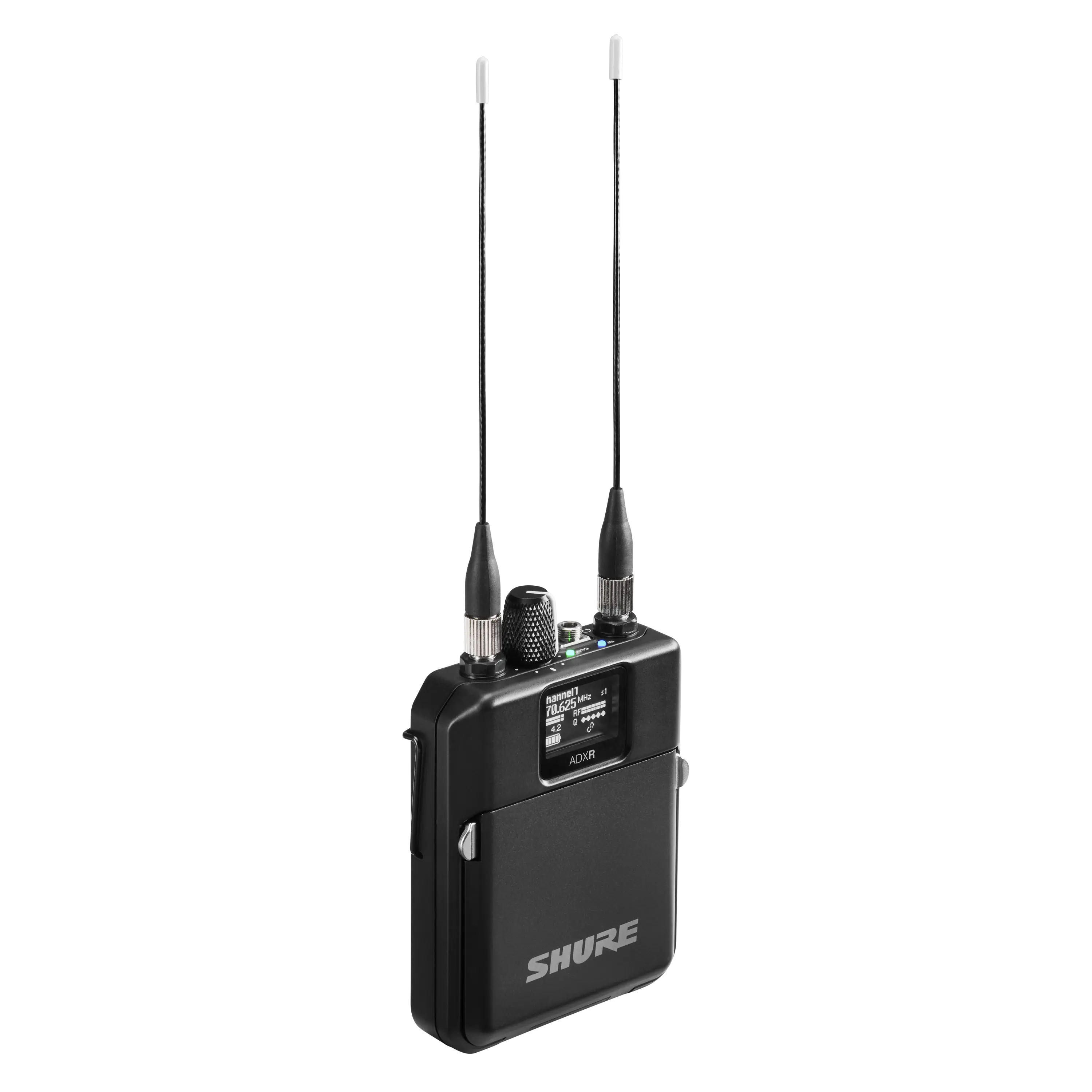 ADXRAxient® Digital PSM Receptor Inalámbrico BodypackSaber Más
 Axient® Digital PSMSistema Digital Avanzado de Monitoreo In-earSaber Más
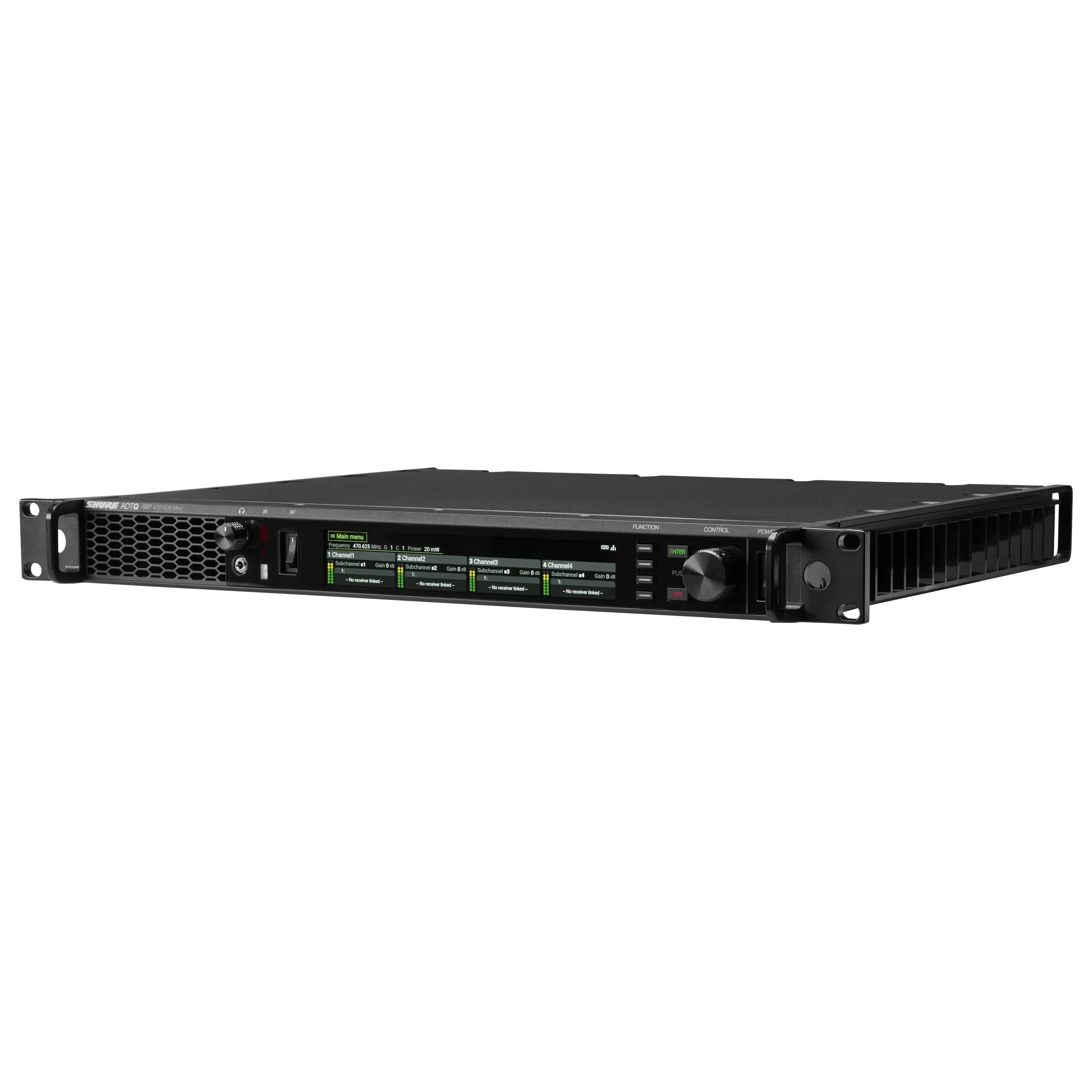 ADTQTransmisor Inalámbrico Cuádruple Axient® Digital PSMSaber Más
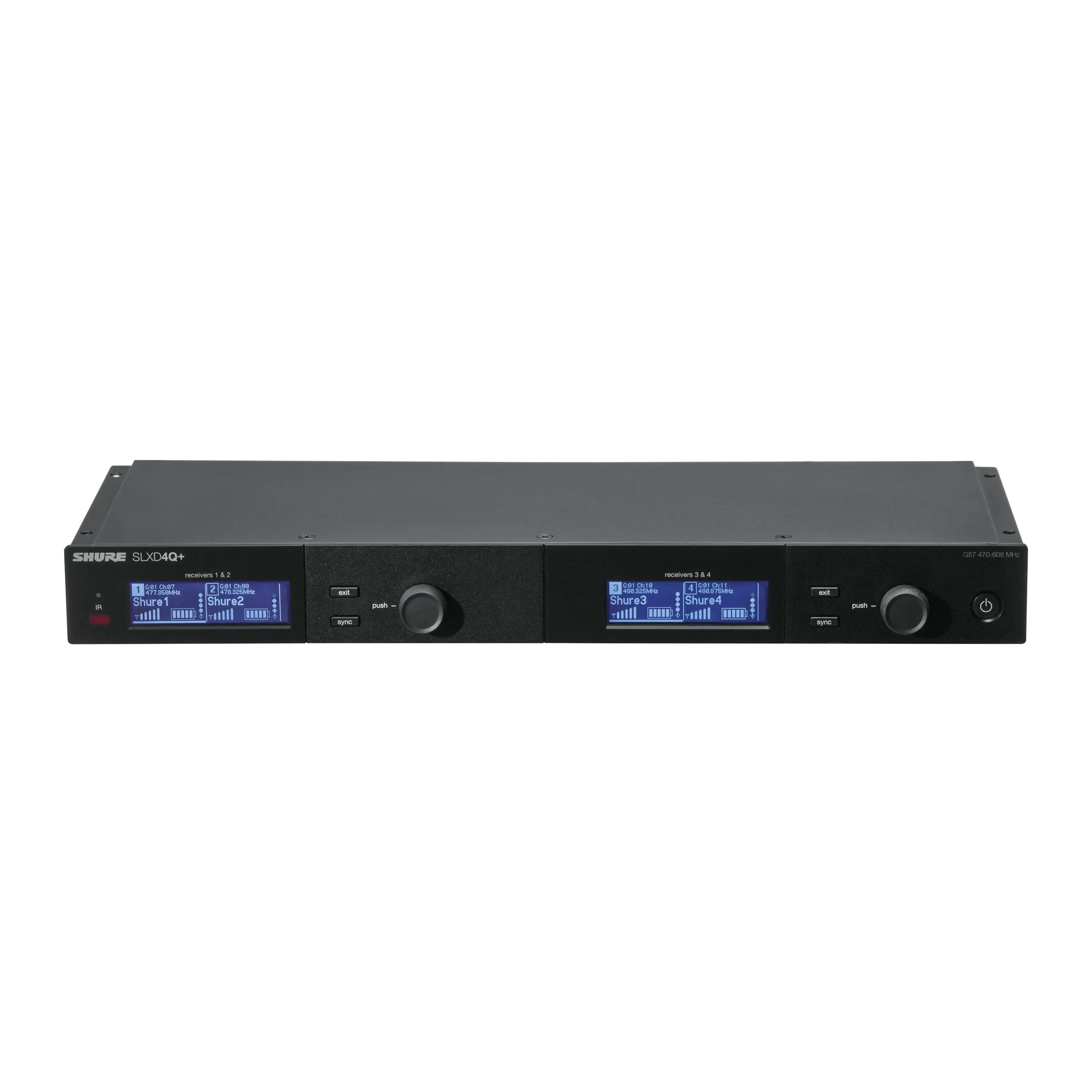 SLXD4Q+Receptor de Cuatro CanalesSaber Más
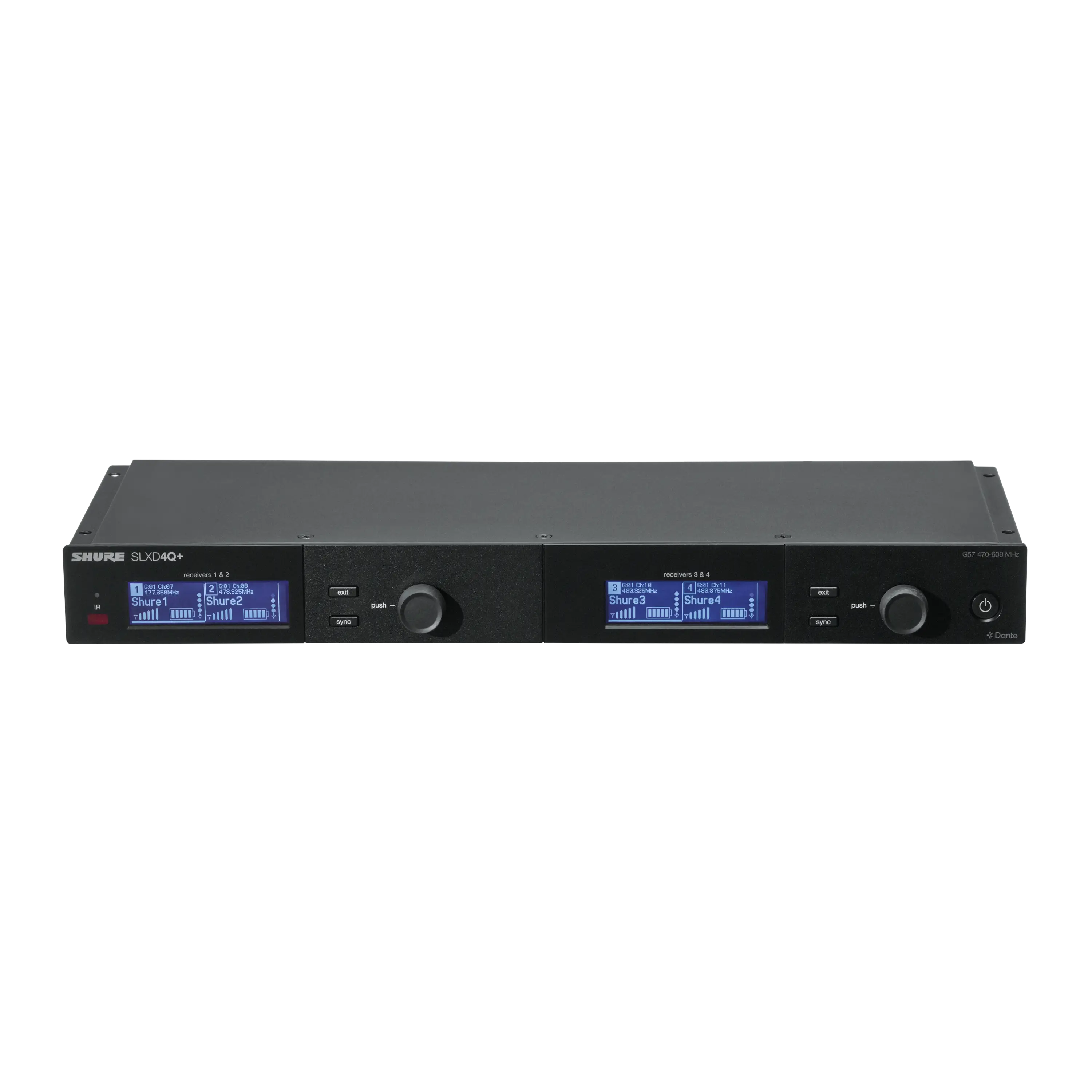 SLXD4QDAN+Receptor de Cuatro Canales con Audio DanteSaber Más
 ANX4RECEPTOR INALÁMBRICO ESCALABLE PARA SISTEMAS AXIENT® DIGITAL Y ULX-D®Saber Más
 SLXD1+Transmisor de Bodypack InalámbricoSaber Más
 SLXD2+/58Transmisor de Mano con Micrófono SM58®Saber Más
 SLXD2+/B58Transmisor Inalámbrico de mano con micrófono Beta® 58ASaber Más
 SLXD2+/B87ATransmisor Inalámbrico de mano con micrófono Beta® 87ASaber Más
 SLXD2+/B87CTransmisor Inalámbrico de mano con micrófono Beta® 87CSaber Más
 SLXD4+Receptor Inalámbrico DigitalSaber Más
 SLXD4D+Receptor Inalámbrico de Doble CanalSaber Más
 SLXD5+Receptor Inalámbrico Digital PortátilSaber Más
 SLXD2+/K8BTransmisor de mano inalámbrico con micrófono KSM8 Dualdyne™Saber Más
 SLXD2+/N8CTransmisor de mano inalámbrico con micrófono Nexadyne™ 8/CSaber Más
 SLXD3+Transmisor inalámbrico enchufable con conector XLRSaber Más
 SLXD124+/85MSistema Inalámbrico con Micrófono de Mano SM58 y Micrófono de Solapa WL185mSaber Más
 SLXD14+Sistema de Bodypack Inalámbrico DigitalSaber Más
 SLXD14+/153TSistema de Bodypack Inalámbrico digital con Micrófono de Diadema MX153TSaber Más
 SLXD14+/93Sistema de Bodypack Inalámbrico Digital con Micrófono de Solapa Omnidireccional WL93Saber Más
 SLXD14D+Sistema Dual de Bodypack InalámbricoSaber Más
 SLXD14+/SM35Sistema de Bodypack inalámbrico digital con micrófono de diadema de alto rendimiento SM35Saber Más
 SLXD15+Sistema Inalámbrico Digital PortátilSaber Más
 SLXD15+/85MSistema inalámbrico digital portátil con el micrófono de solapa cardioide WL185MSaber Más
 SLXD24+/58Sistema inalámbrico digital de mano con micrófono dinámico cardioide SM58®Saber Más
 SLXD24+/B58Sistema Inalámbrico Digital de mano con micrófono dinámico supercardioide Beta58A®Saber Más
 SLXD24+/B87ASistema inalámbrico digital de mano con micrófono de condensador supercardioide Beta® 87ASaber Más
 SLXD24D+/58Sistema inalámbrico dual con 2 transmisores portátiles SLXD2+/58Saber Más
 SLXD24D+/B58Sistema inalámbrico dual con 2 transmisores de mano SLXD2+/B58Saber Más
 SLXD24D+/N8CSistema Inalámbrico Doble con Transmisores de Mano Nexadyne™ 8/CSaber Más
 SLXD24+/N8CSistema inalámbrico digital de mano con micrófono dinámico cardioide Nexadyne® 8/CSaber Más
 SLXD25+/58Sistema inalámbrico digital portátil con micrófono dinámico cardioide SM58®Saber Más
 SLXD35+Sistema inalámbrico digital portátil con transmisor Plug On SLXD3+Saber Más

Axient Digital AD vs. serie ADX: ¿cuál es la diferencia?
Al elegir un sistema inalámbrico profesional, las diferencias entre niveles de producto a veces pueden resultar confusas. Axient® Digital simplifica la elección con una potente plataforma de receptor y dos series de transmisores: AD y ADX. Ambas ofrecen un rendimiento de RF excepcional, calidad de audio, encriptación y eficiencia de espectro, pero ADX añade herramientas avanzadas para las producciones más exigentes. Entender lo que comparten —y en qué se diferencian— puede ayudarte a elegir la solución adecuada con confianza.
Shure Axient® Digital PSM Delivers Reliable RF for Barry Can't Swim at All Points East
When Barry Can’t Swim headlined All Points East in London this summer, audio specialists Patchwork London were tasked with delivering a wireless system capable of supporting both the full band and their orchestra on a major festival stage. With a large channel count, congested spectrum, and the pressure of a high-profile live environment, Patchwork required a solution that could deliver bulletproof reliability, centralised monitoring, and flexible control.
Seamless integration and superb RF mark Axient Digital deployment at Guthrie Theater
To overcome RF challenges in downtown Minneapolis, the Guthrie Theater deployed Shure Axient® Digital to deliver reliable wireless audio for its productions. The deployment showcases how spectrum efficiency, ADX micro-bodypack transmitters, and seamless integration with existing Shure systems helped provide the "rock solid" performance needed to support world-class theater productions.
Getting the most out of Axient Digital with Wireless Workbench 6
Amid shrinking spectrum and surging wireless traffic, command and control functionality is becoming increasingly important for professional audio applications. Learn how get the most out of Axient Digital with the Wireless Workbench 6 software.
Troubleshooting Wireless Dropouts in 10 Simple Steps
Wireless system dropouts can occur due to issues like antenna placement, faulty cables, interference, or improper frequency coordination, creating high-stress situations for audio engineers. This step-by-step wireless microphone troubleshooting guide walks through a proven process for identifying the source of wireless dropouts, testing critical system components, and restoring reliable RF performance using best practices and tools such as Shure Wireless Workbench to ensure reliable performance.
