
Using a Professional Microphone with a Laptop

Once upon a time, it used to be a rather tricky endeavor attempting to plug a professional-grade microphone into your laptop.
Fortunately these days, there are plenty of great USB mics offering high-quality audio and plug-and-play convenience for computer recording. But they're not always the solution for everyone. Perhaps you already have a traditional microphone you'd like to use with your laptop or maybe you're after a distinct sound that a USB model simply can't provide.
Of course, plugging in your trusty SM58 isn't so straightforward: Laptops, as well as desktop PCs and Macs, normally have 3.5 mm jacks, whereas most professional mics use XLR plugs. Unless you're handy with a soldering iron, you're going to need a special cable or adaptor.
Still, even with your mic plugged in, you might not be all that satisfied with the sound quality of your recordings. That's because the onboard audio inputs on most computers aren't sensitive enough to pick up the signal from your microphone, so it will likely sound either too quiet or too noisy when amplified by your audio software.
Potential solutions
Option 1: A small mixer
You can also increase the microphone signal to line level with a small mixing console, but you'll still need an adapter cable to connect to the computer's standard audio jack. This method eliminates having to amplify the signal with your recording software, hopefully eliminating any unwanted background noise in the process. And if the mixer supports phantom power, you can also use condenser microphones.
Option 2: A portable interface
If you're recording on the go with your laptop, a portable audio interface might be what you're after. There are single-channel analog-to-digital converters like the MVX2U Gen 2 that connects an XLR mic to the computer's USB-C port. Even cooler is that it comes will all the latest Shure digital audio processing onboard. This essentially turns your XLR mic into a smart digital microphone and gives you greater control over your sound. While Auto Level Mode keeps your gain consistent, a real-time Denoiser reduces background noise to isolate your voice, and the Digital Popper Stopper™ helps eliminate those pesky plosives. The MVX2U works without external power, so you can record wherever you can set up your laptop. It even provides phantom power for condenser microphones and has a headphone jack for latency-free monitoring.

LEARN MORE ABOUT THE MVX2U GEN 2 DIGITAL AUDIO INTERFACE NOW.
Option 4: A new soundcard
If you want to set up your own home studio, you could consider getting a multichannel soundcard for your computer. While there are and internal PCI models available for PCs, an external desktop interface using a USB connection is probably the better option. But there are a few things to keep in mind while shopping for one. Besides having a reputation for premium sound quality, be sure the soundcard uses drivers ensuring low latency* – and phantom power if you want to record with condenser mics.
Option 5: A USB microphone
Sometimes, you need to look at your gear situation and reassess what works best for your goals. Though we certainly have sympathy for your deep emotional attachment to your first SM58, it might be time to consider buying a USB microphone after all. Beside the ease of use, the main advantage is sound quality far superior to your computer's onboard audio, since the signal is digitized before it leaves the mic. Because of this, however, it's important to pick a model best suited to your needs. There's the MV7+ for podcasting, the MV6 is great for gaming or streaming, and the MV7i has an onboard XLR interface so you can still use your SM58!

Pro tip: Be sure to download the free MOTIV Mix™ software to your laptop to control all sorts of audio tasks, such recording, mixing and streaming. The program lets you easily adjust settings like gain, limiter, compression, EQ and your own saved presets. If you’re a podcaster or streamer, you can also quickly select your preferred tone from Dark, Natural or Bright.
*Latency occurs when an analog signal from a microphone is digitized inside the computer and is played back for monitoring purposes with a slight delay. Normal PC soundcards can have latency of up to quarter of a second – far too long for professional recording purposes. Pro audio equipment keeps latency below four milliseconds, and the MVX2U Gen 2 interface even has a headphone jack providing a latency-free analog signal before it is digitized and sent to the computer.

Powiązane produkty i akcesoria
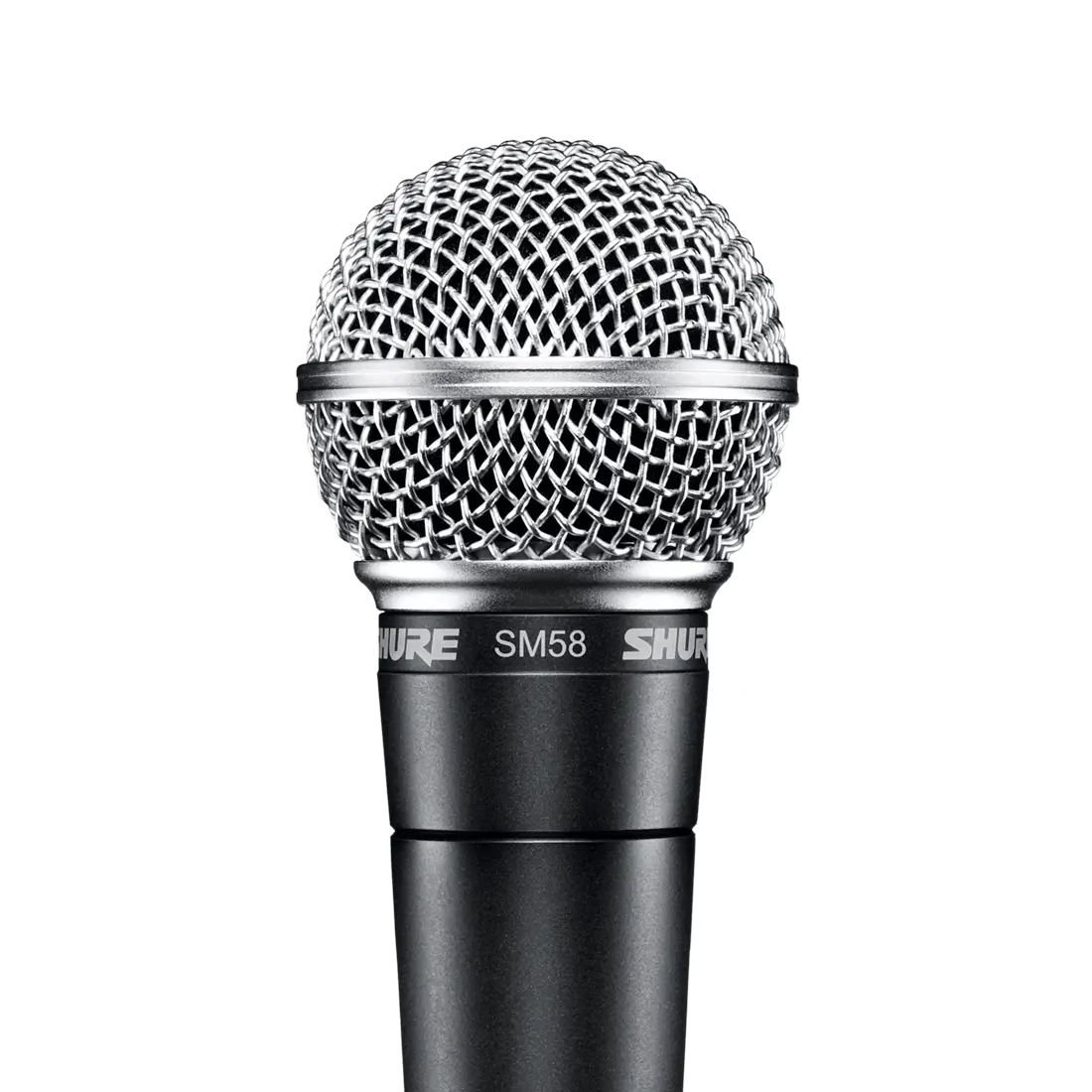 SM58Mikrofon wokalowy
Sugerowana cena detaliczna
Z549,00 zł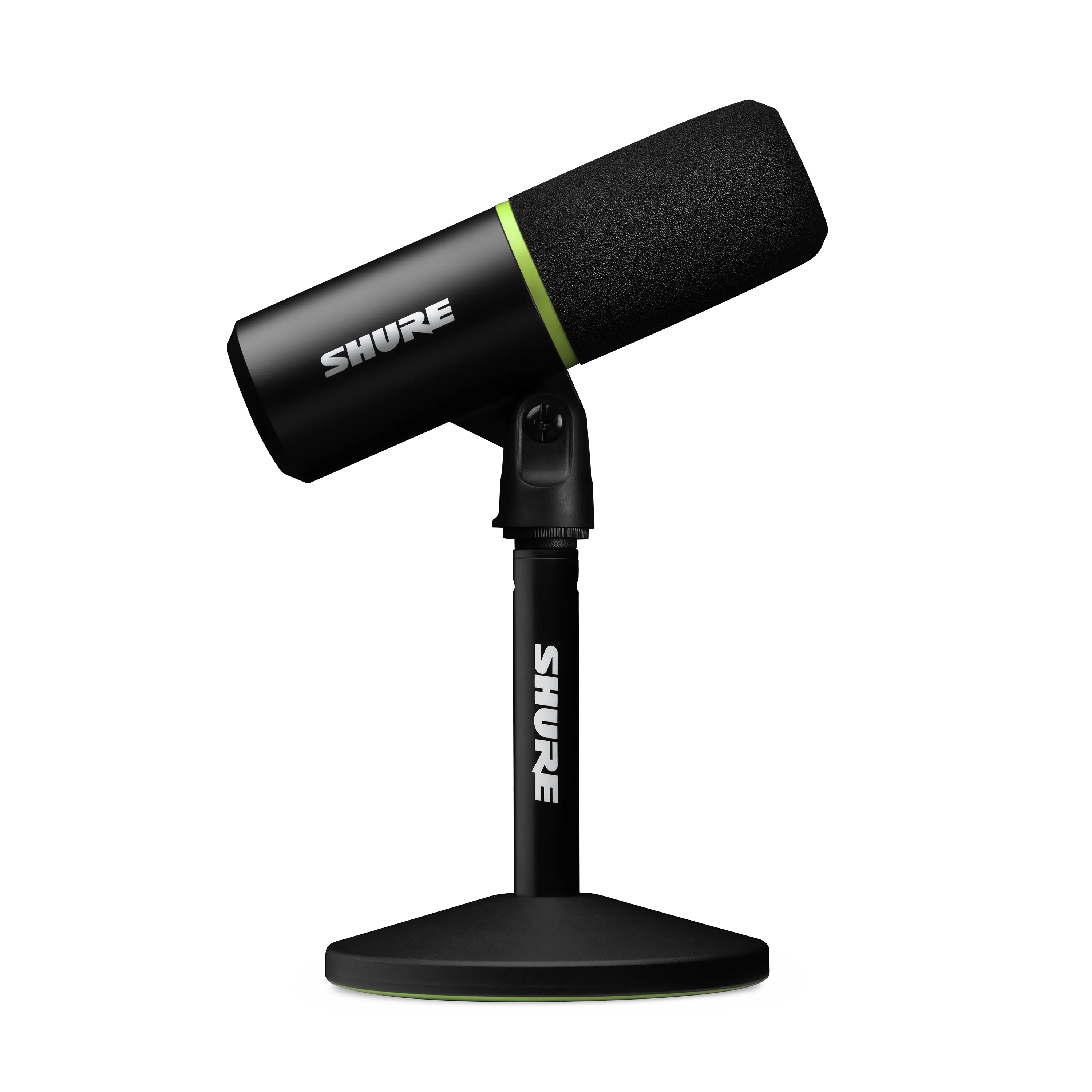 MV6Mikrofon USB do gier
Sugerowana cena detaliczna
669,00 zł MV7+Mikrofon do podcastów
Sugerowana cena detaliczna
Z1 439,00 zł MV7iInteligentny mikrofon i interfejs
Sugerowana cena detaliczna
1 779,00 zł MVX2U Gen 2Cyfrowy interfejs audio
Sugerowana cena detaliczna
659,00 zł MOTIV Mix™Aplikacja desktopowa do nagrywania, miksowania i streaminguDowiedz się więcej


