
How to Use a Professional Mic with a Tablet or Smartphone

- Compact interface connects XLR mics to USB-C devices
- Works with computers, smartphones and tablets
- Shape your sound with Shure digital audio processing
- Great for journalists and creators needing portable professional audio
Bigger isn’t always better: Mobile journalists and content creators on the go need a portable recording rig that reliably delivers broadcast-quality audio.
Once too slow or lacking enough internal storage, many smartphones and tablets can now effectively replace an entire recording studio. And there are plenty of great apps out there that allow you to quickly capture, edit and upload or stream your audio.
However, you won’t get professional sound with the regular built-in mic on your mobile phone or iPad.
So, it’s no surprise many people are looking for ways to use professional microphones with increasingly powerful tablets and smartphones.
XLR to USB-C made easy
That’s where the MVX2U Gen 2 from Shure comes in. This compact digital audio interface makes it extremely easy to plug in a regular XLR microphone into any table or smartphone with a USB-C port.
If you aren’t already familiar with the XLR connection, there’s no need to worry. It’s just the standard three-pronged mic plug used for both professional broadcast and music applications. It’s great for a lot of reasons, but it won’t work with a computer without an interface. These used to be big and bulky, making it impractical to plug it into a tablet or phone.
The MVX2U Gen 2 changes all that. Simply plug your XLR mic into the interface (or first into an XLR cable) and then plug the USB-C cable into your device. You can then use one of the free Shure apps – MOTIV™ Audio,MOTIV™ Video or MOTIV Mix™ – to capture your content.
The MVX2U naturally also works with the native apps on your phone or tablet, but you’ll get more out of the interface with one of those three Shure apps. (More on this later.)
Once connected, the applications are essentially limitless.
You could be journalist recording interviews in the field, a creator streaming live from a remote location, or a musician on tour. For the first example, a reporter would most likely want a durable handheld mic like an SM58 that they could hold up to an interview subject. For the second one, a streamer might prefer their favorite SM7B that they always use on their channel. And a traveling musician might want to use a condenser mic like the SM4 to record some quick vocal demos in a hotel room.
The MVX2U Gen 2 can handle all these different types of microphones with aplomb.
Mobile journalism has changed immensely in the past 10 years. Long gone are the days when you needed a satellite truck and full production crew. Often, it’s just a single journalist doing the reporting, recording and editing. You need professional tools that are easy to use – and carry!
Using a classic like the SM58 on a short XLR cable plugged into the MVX2U Gen 2 is a great choice for a streamlined mobile journalism setup. The compact digital interface, in turn, could be connected to a smartphone recording inside a pocket – or on a tripod if you’re doing video.
The definition of content creation, of course, seems to vary year to year, but some things, like appreciation of that classic SM7B sound, never change. Fortunately, streamers and podcasters can rely on the MVX2U Gen 2 to power the gain-hungry dynamic mic, with +60dB of clean gain onboard. It’s compact footprint (weighing only 100 grams!) makes it a perfect interface for a travel recording rig.
Musicians, meanwhile, will be happy to hear that the audio interface also has phantom power, which is required to run condenser microphones. Want to lay more than just vocals? You can also use the MVX2U Gen 2 to plug instruments directly into a phone or tablet. There’s even a 3.5mm headphone output, so you can directly monitor your audio with zero latency.

Shape your sound
Now, some of you might be curious as to the Gen 2 part of the MVX2U’s name. I’m glad you asked! This is, in fact, the second generation of this wondrous little device. Not only have some of the technical specs been improved, but engineers at Shure have loaded it up with the latest digital audio processing to give you even greater ability to shape your sound.
This essentially turns any XLR mic into a smart digital microphone with features like Auto Level Mode to keep your gain consistent, a real-time Denoiser to reduce background noise, and a Digital Popper Stopper™ to eliminate plosives.
These are all accessible via the Shure MOTIV apps on your tablet or phone. You can also adjust settings like gain, limiter, compression, EQ and your own saved presets.
So, if you’re thinking about building a mobile reporting rig or a portable content creation setup, the MVX2U Gen 2 Digital Audio Interface is an ideal way to connect a professional XLR microphone with your iPad or smartphone.
LEARN MORE ABOUT THE MVX2U GEN 2 DIGITAL AUDIO INTERFACE NOW.
Productos y accesorios relacionados
 MVX2U Gen 2Interfaz de audio digital
Precio de venta recomendado
159,00 €- MVX2U Gen 2Interfaz de audio digital
Precio de venta recomendado
159,00 € 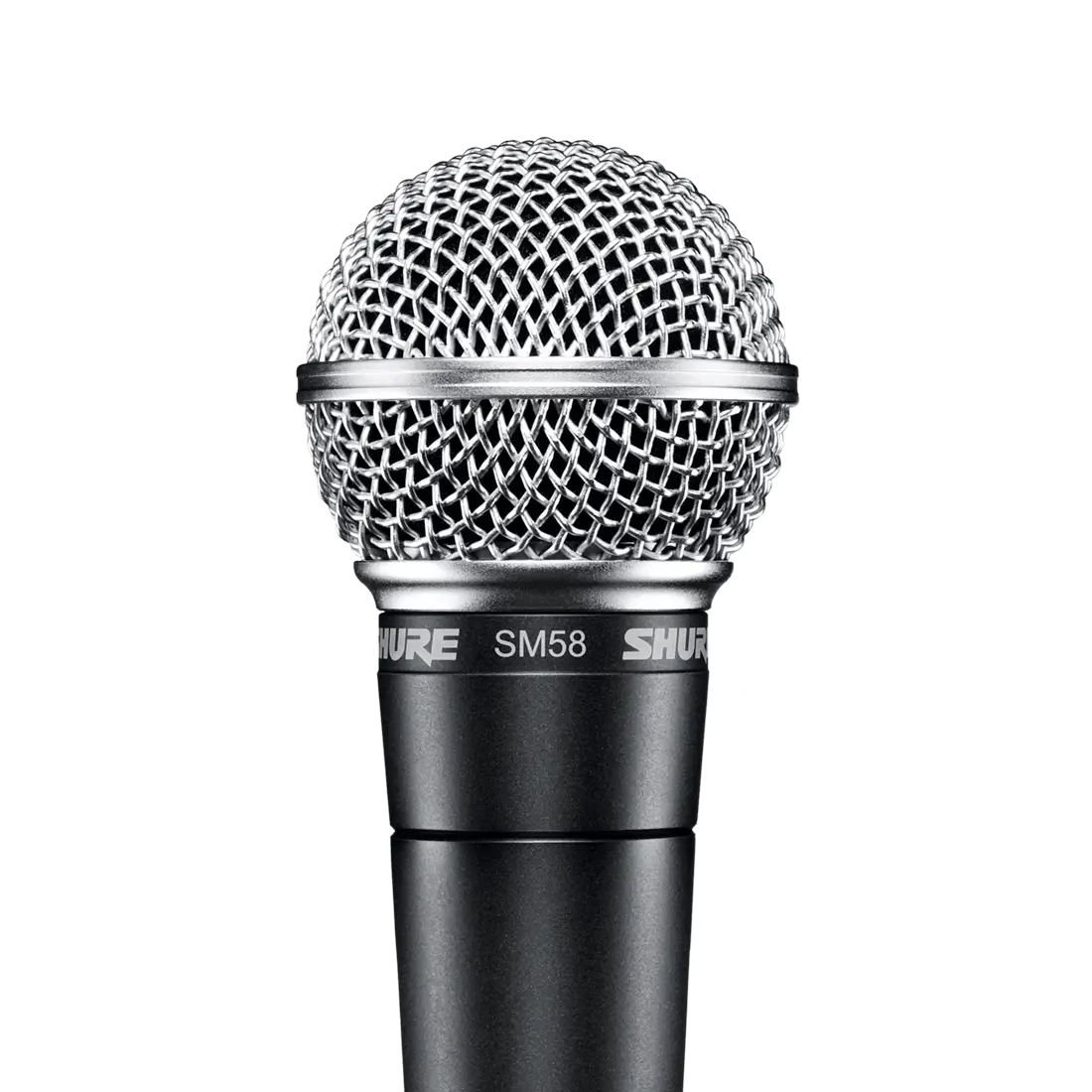 SM58Micrófono vocal
Precio de venta recomendado
Desde129,00 € SM7BMicrófono vocal
Precio de venta recomendado
479,00 €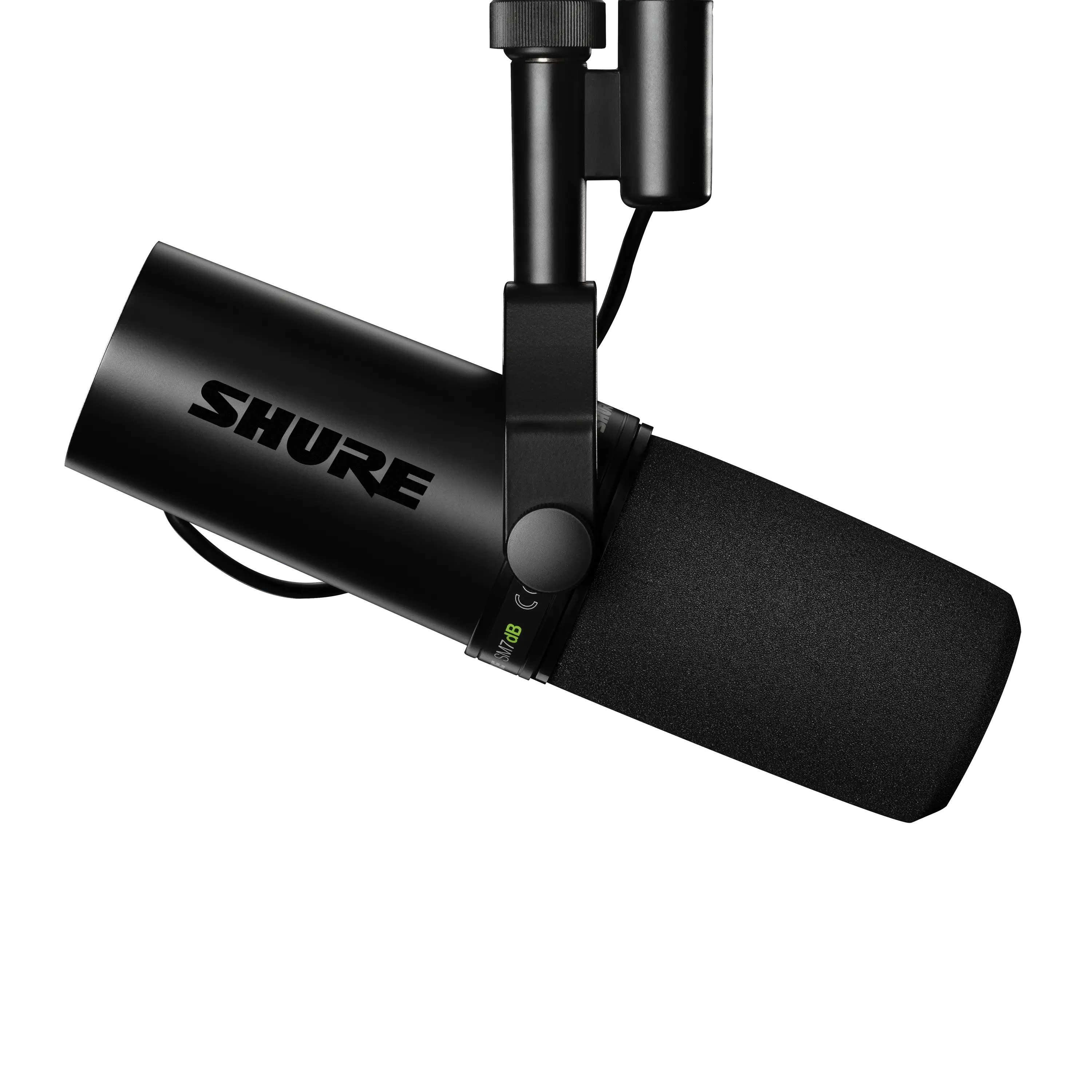 SM7dBMicrófono vocal dinámico con previo integrado
Precio de venta recomendado
629,00 €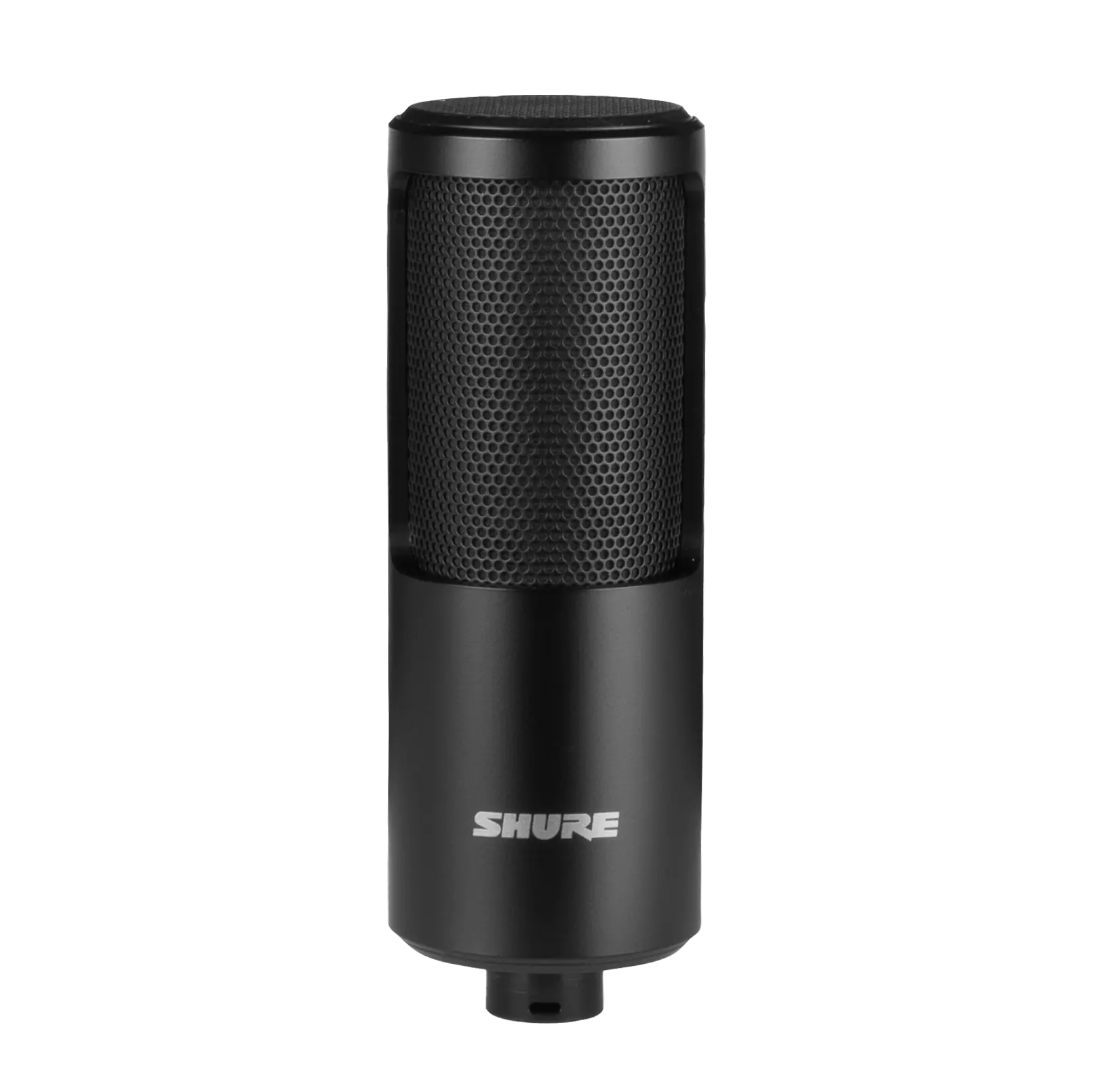 SM4Micrófono para grabación doméstica
Precio de venta recomendado
Desde249,00 €
Artículos relacionados

What's the Difference Between the SM58 and the Beta58A?
The SM58 and Beta 58A are both reliable handheld vocal microphones with different pickup patterns, output levels, and tonal profiles. The SM58 has a cardioid pattern and familiar, forgiving SM-series vocal sound. The Beta 58A has a tighter supercardioid pattern, hotter output, extended response, and reduced handling noise.
What's the Difference Between Shure SM57 and Beta 57A?
The SM57 and Beta 57A are both rugged dynamic microphones for instruments and occasional vocals. The SM57 has a classic cardioid close-miking character, while the Beta 57A adds tighter supercardioid directionality, higher output, extended response, a more protective grille, and improved handling-noise control.
From the the SM58 to Nexadyne: 60 Years of Iconic Sound
In the 60 years since its inception, the SM58 has become an audio icon that’s still inspiring Shure engineers to continue pushing the boundaries of microphone technology. From the SM7dB to the new Nexadyne family, discover how the innovation continues.


