
Wireless Workbench 7
Desktop app for RF coordination and wireless system management
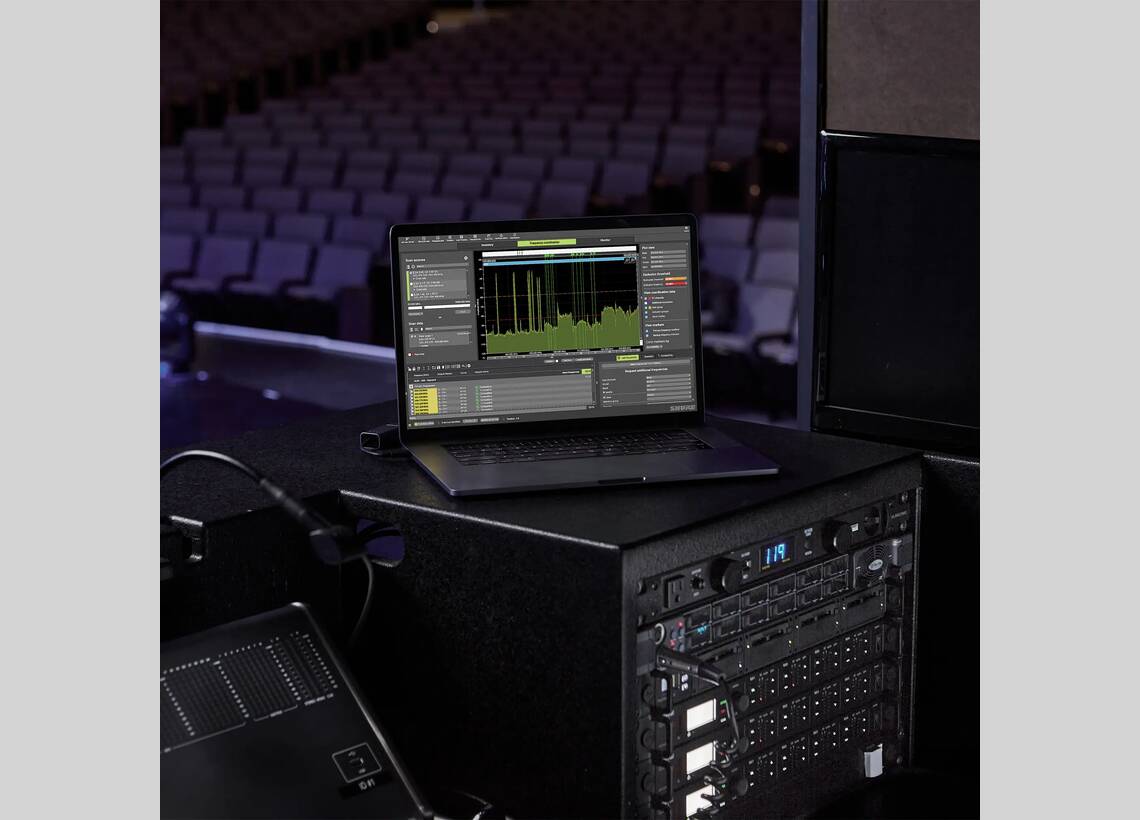
Wireless Workbench is our free software for audio professionals that puts a full suite of RF spectrum management tools in one place to give you full command of your compatible wireless devices. Guarantee that you are prepared to succeed in any RF environment – no matter the location.
Shure Product Benefits
Wireless Workbench helps you set up and manage your networked wireless devices. Quickly perform RF scans and identify & deploy frequencies to your devices in just a few clicks for maximum efficiency. Once the production begins, remotely monitor the RF for every piece of Shure wireless gear to ensure a successful production.

DownloadWireless Workbench 7
- DownloadVersion 7.8.1 | View All Updates
Related Products
 SBC2502-Bay Networked Charging StationLearn More
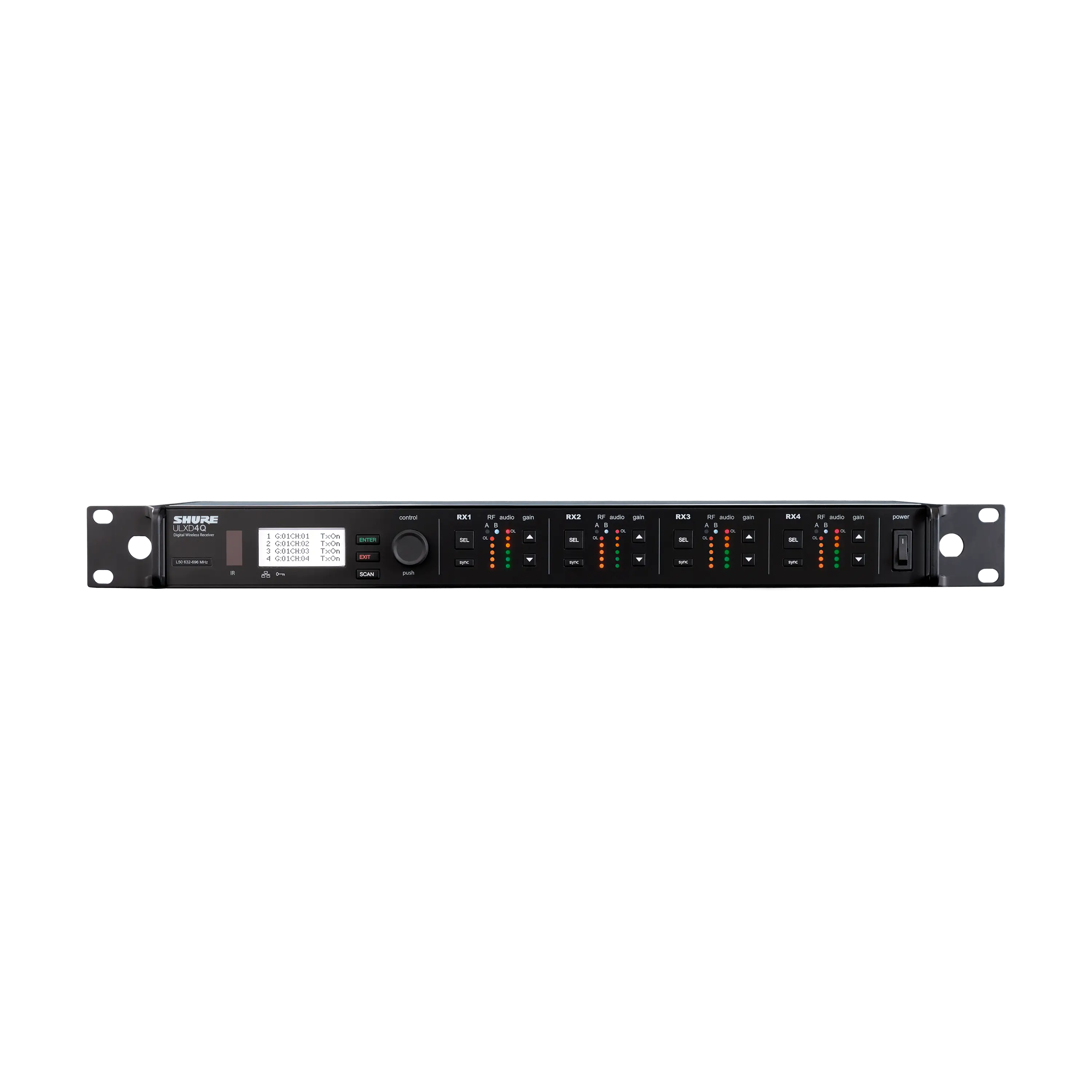 ULXD4QQuad-Channel Digital Wireless Receiver$6,776.00Learn More
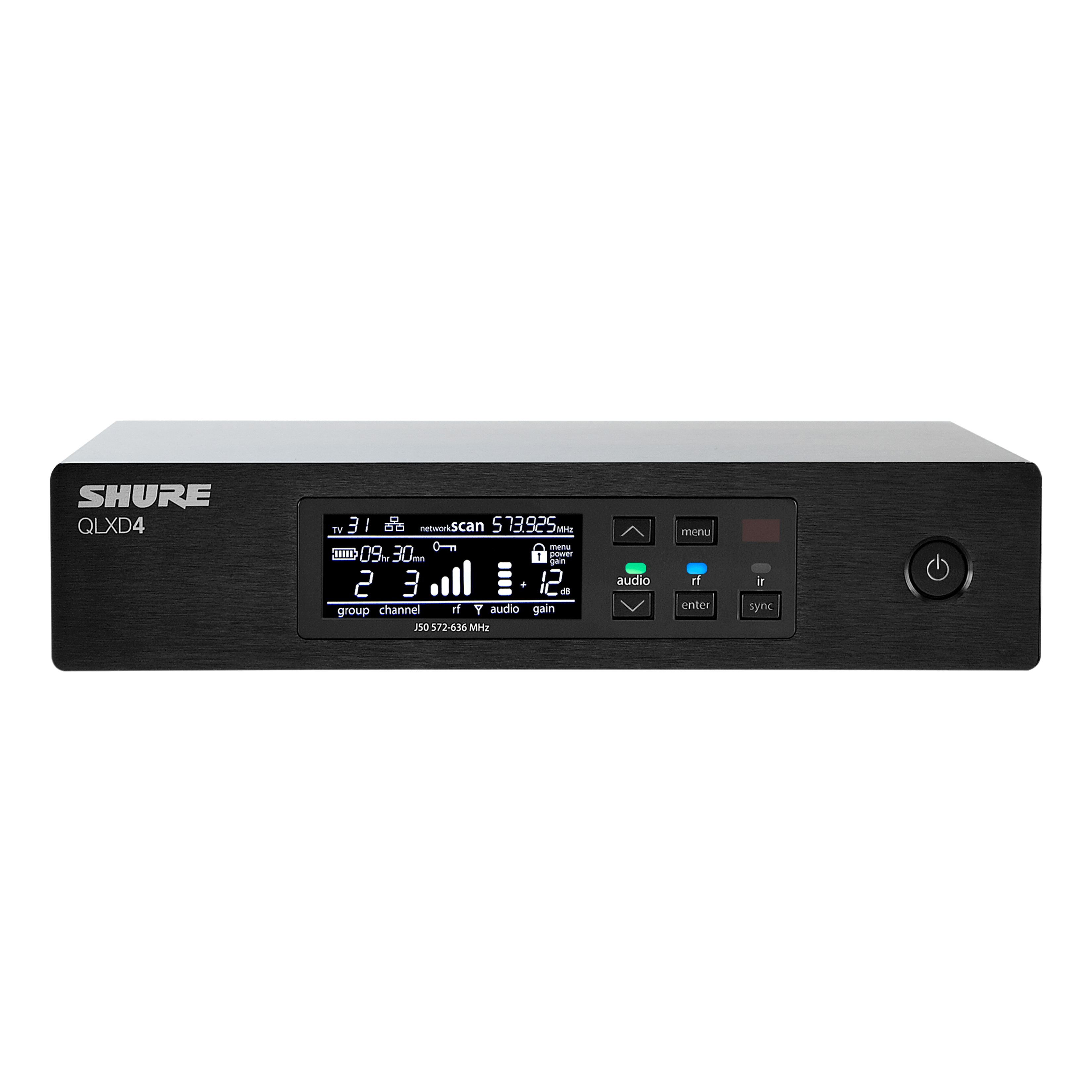 QLXD4Digital Wireless Receiver$747.00Learn More
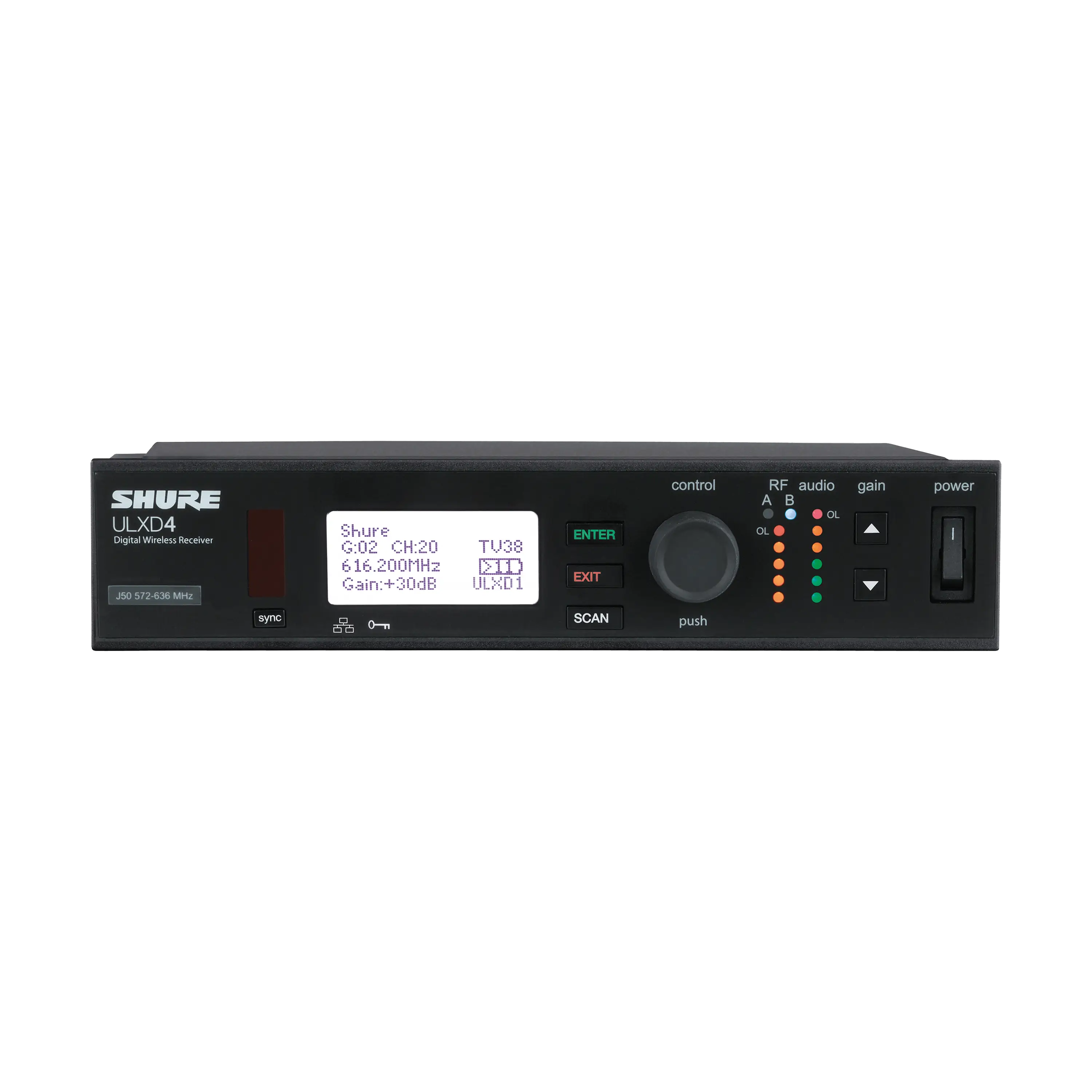 ULXD4Digital Wireless Receiver$1,183.00Learn More
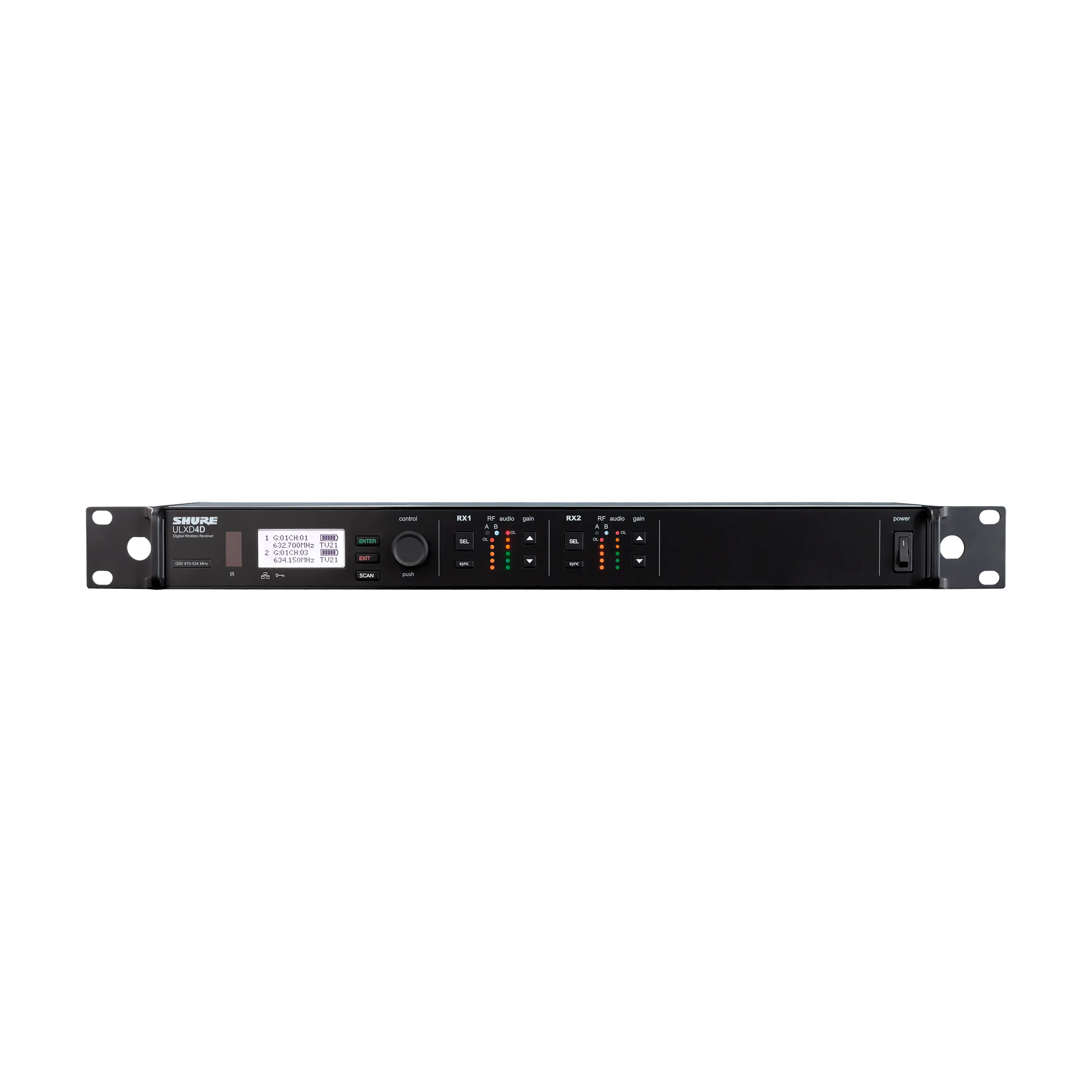 ULXD4DDual-Channel Digital Wireless Receiver$3,387.00Learn More
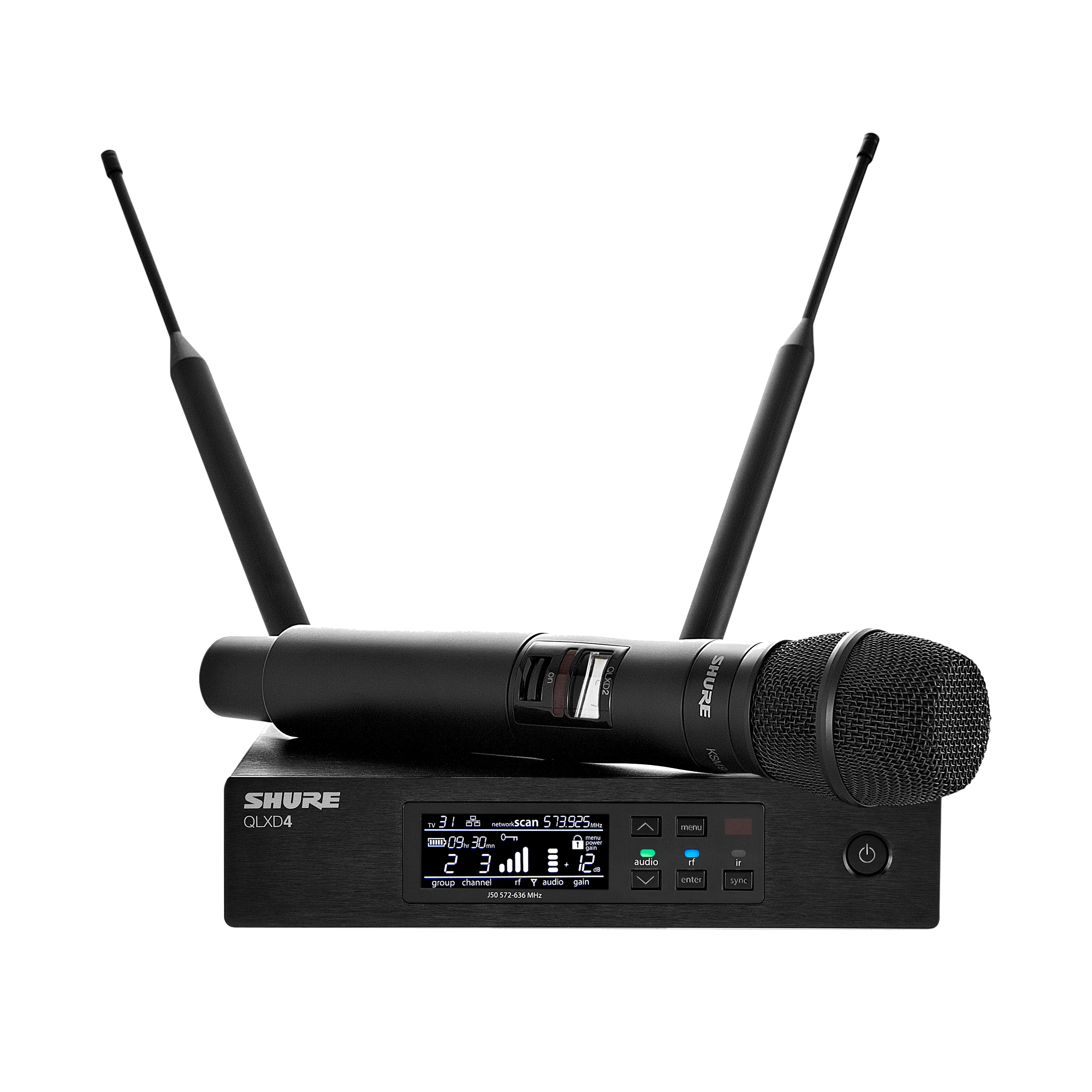 QLX-D®Digital Wireless SystemsFrom$973.00Learn More
 SBRCShure Battery Rack Charger$735.00Learn More
 Axient® DigitalWireless Microphone SystemFrom$2,224.00Learn More
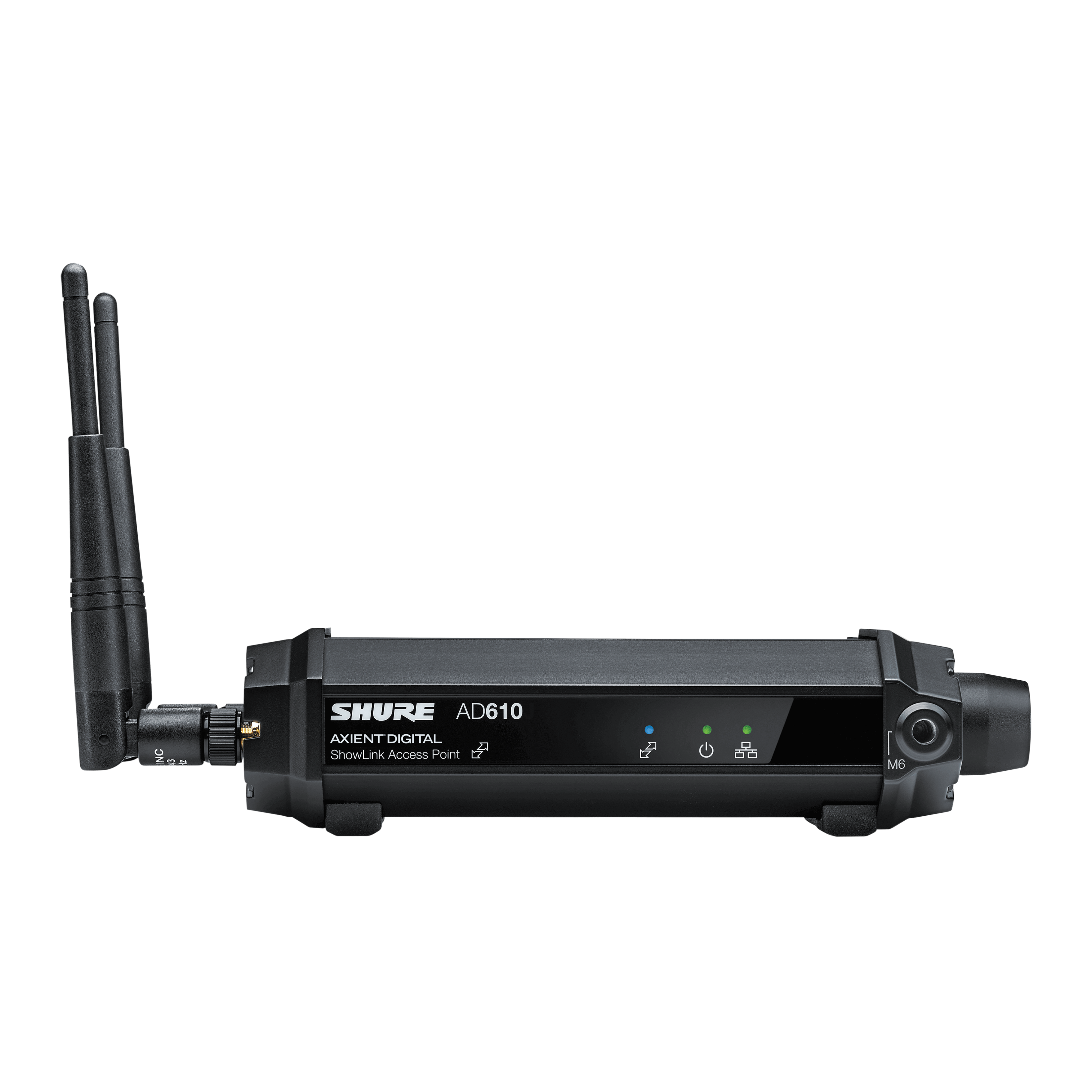 AD610Diversity ShowLink® Access PointLearn More
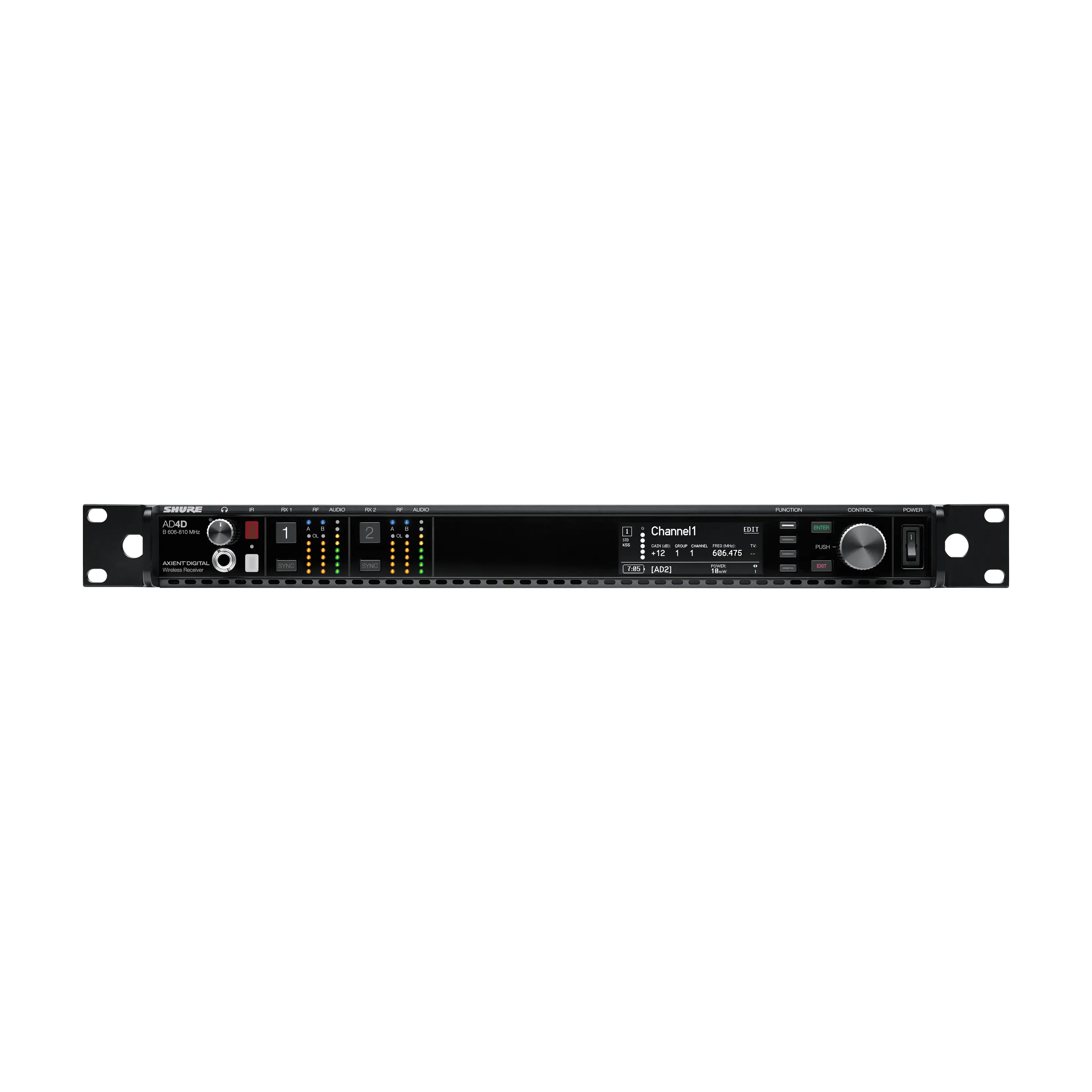 AD4DTwo-Channel Digital Wireless ReceiverFrom$3,741.00Learn More
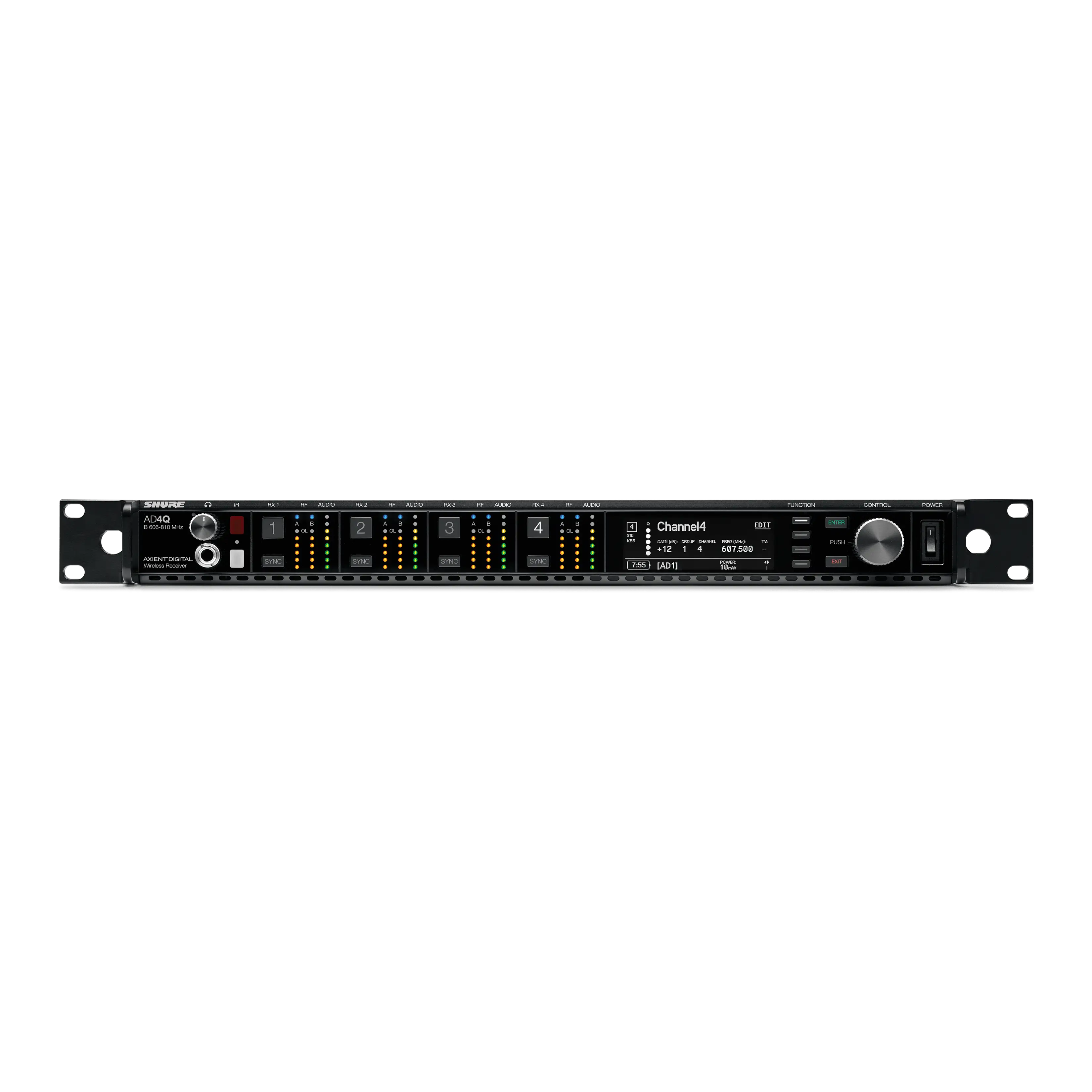 AD4QFour-Channel Digital Wireless ReceiverFrom$7,481.00Learn More
 ULX-D®Digital Wireless SystemsFrom$1,320.00Learn More
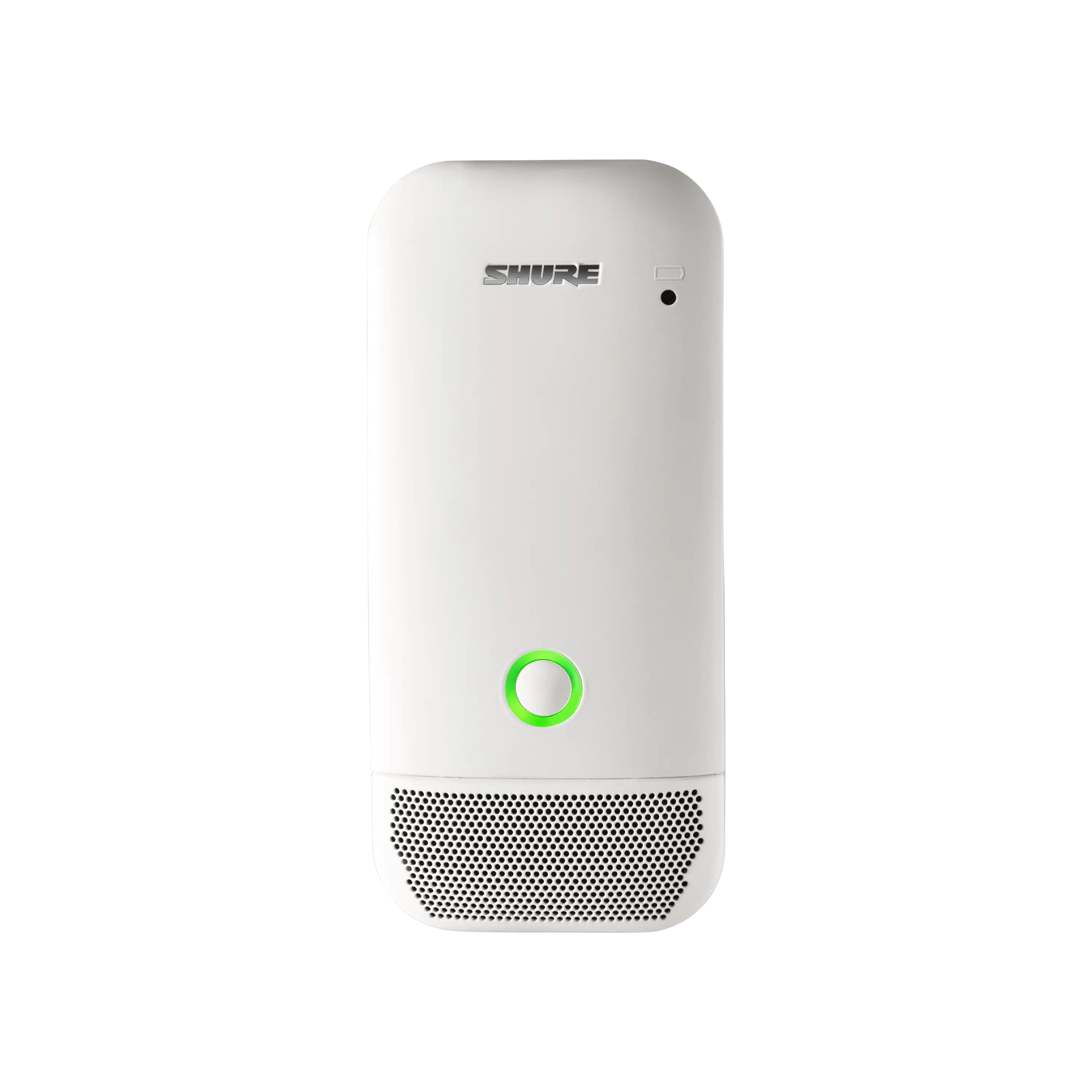 ULXD6Wireless Boundary Microphone Transmitter$639.00Learn More
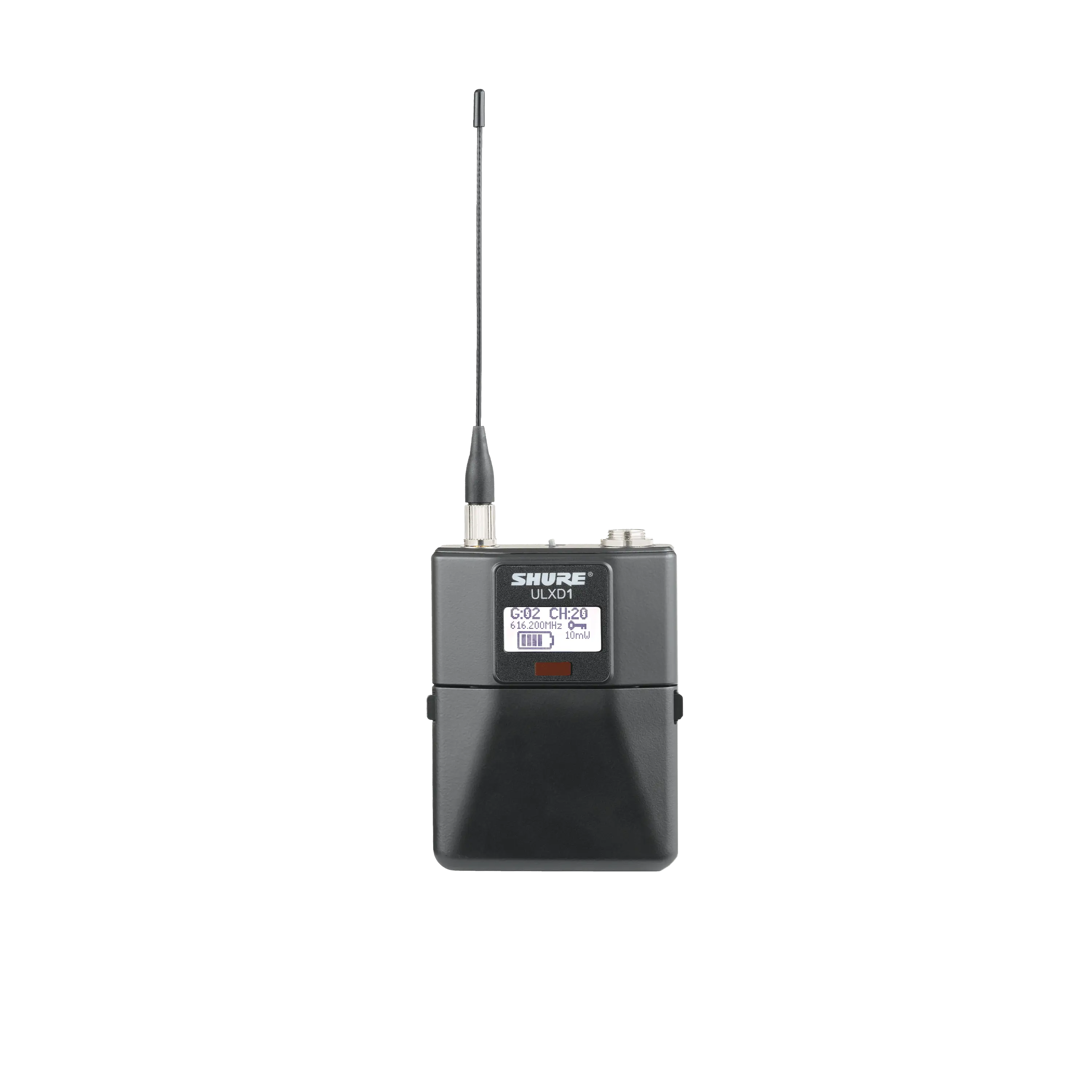 ULXD1Digital Bodypack TransmitterFrom$595.00Learn More
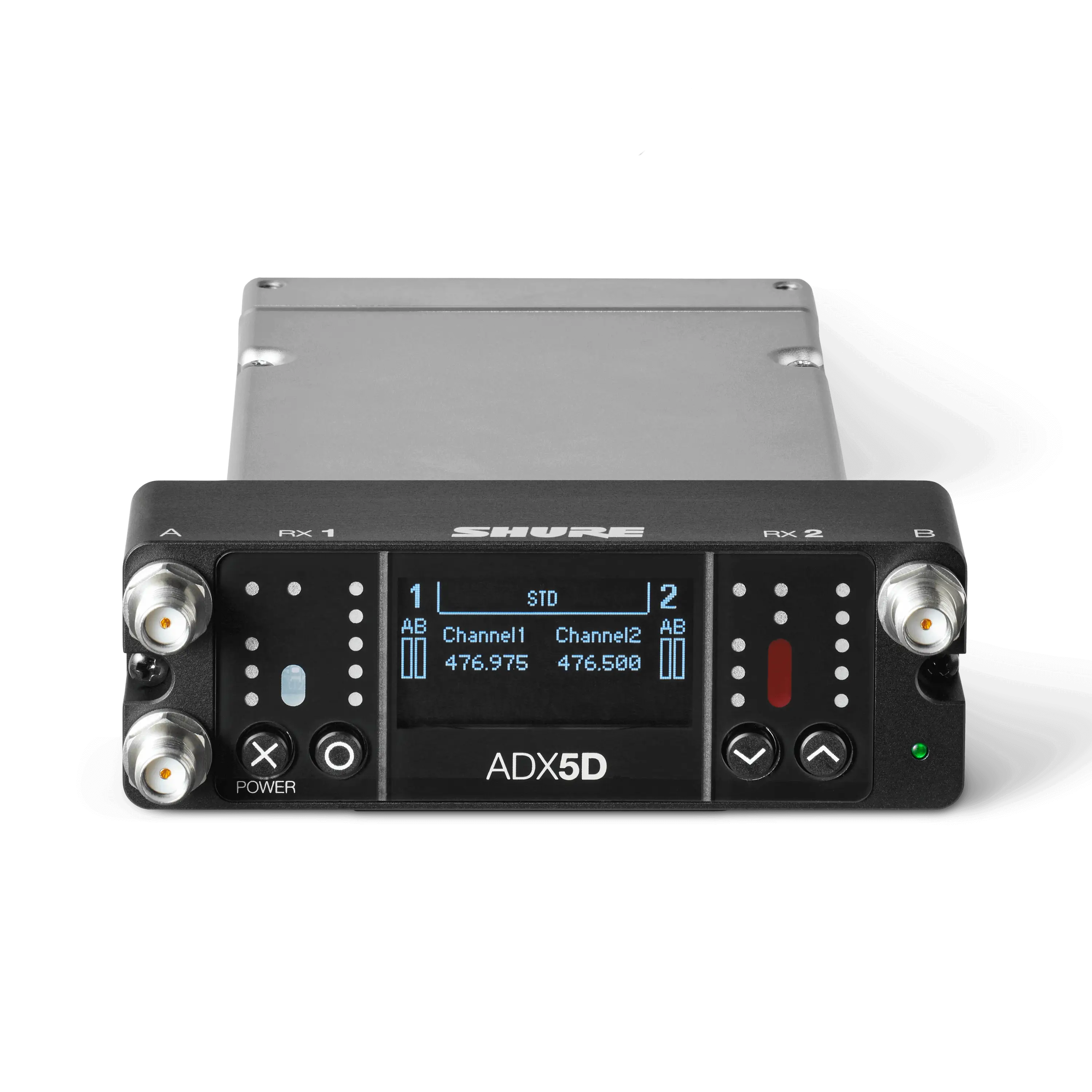 ADX5DAxient® Digital Dual-Channel Portable Wireless ReceiverLearn More
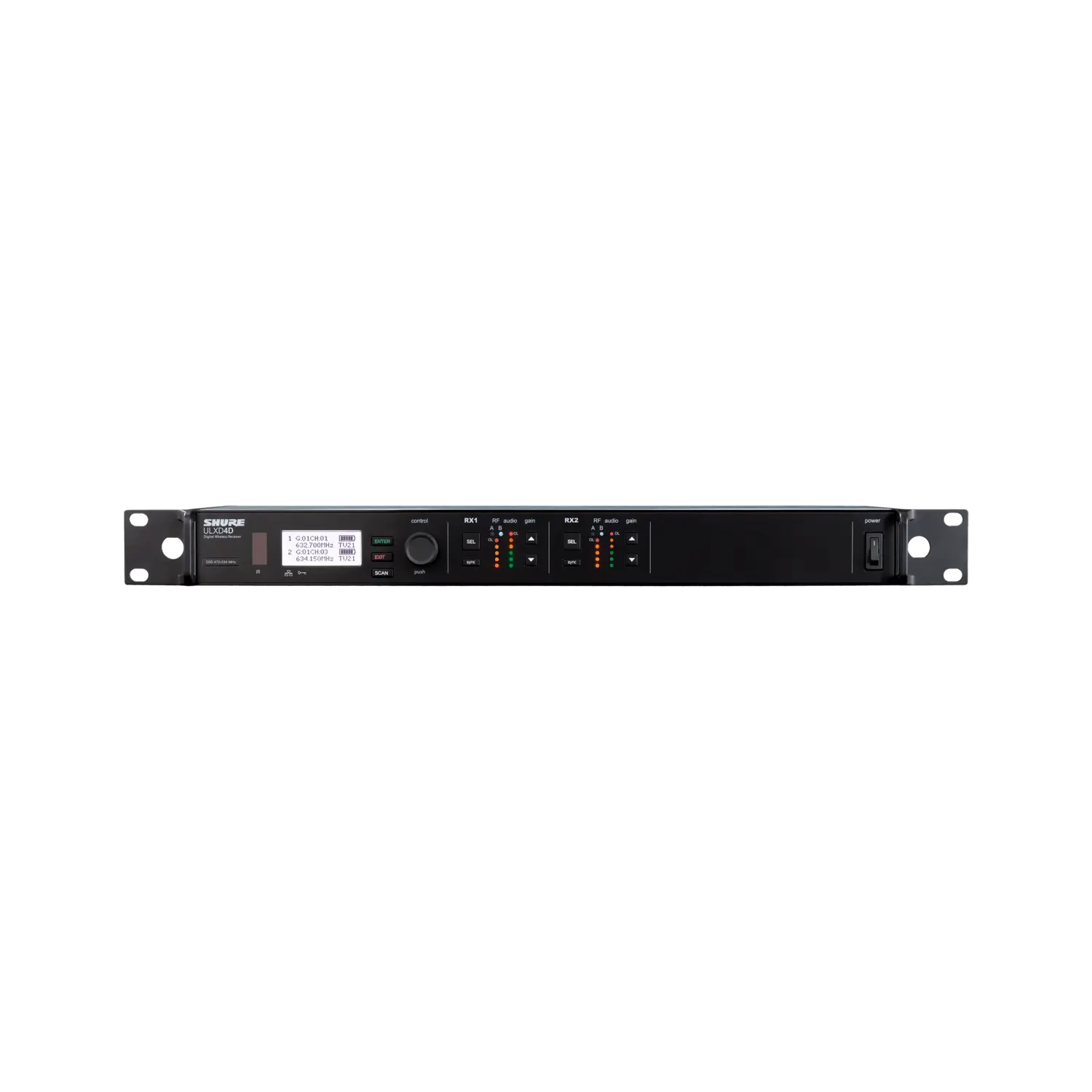 ULXD4D-GVDual-Channel Digital Wireless Receiver$3,387.00Learn More
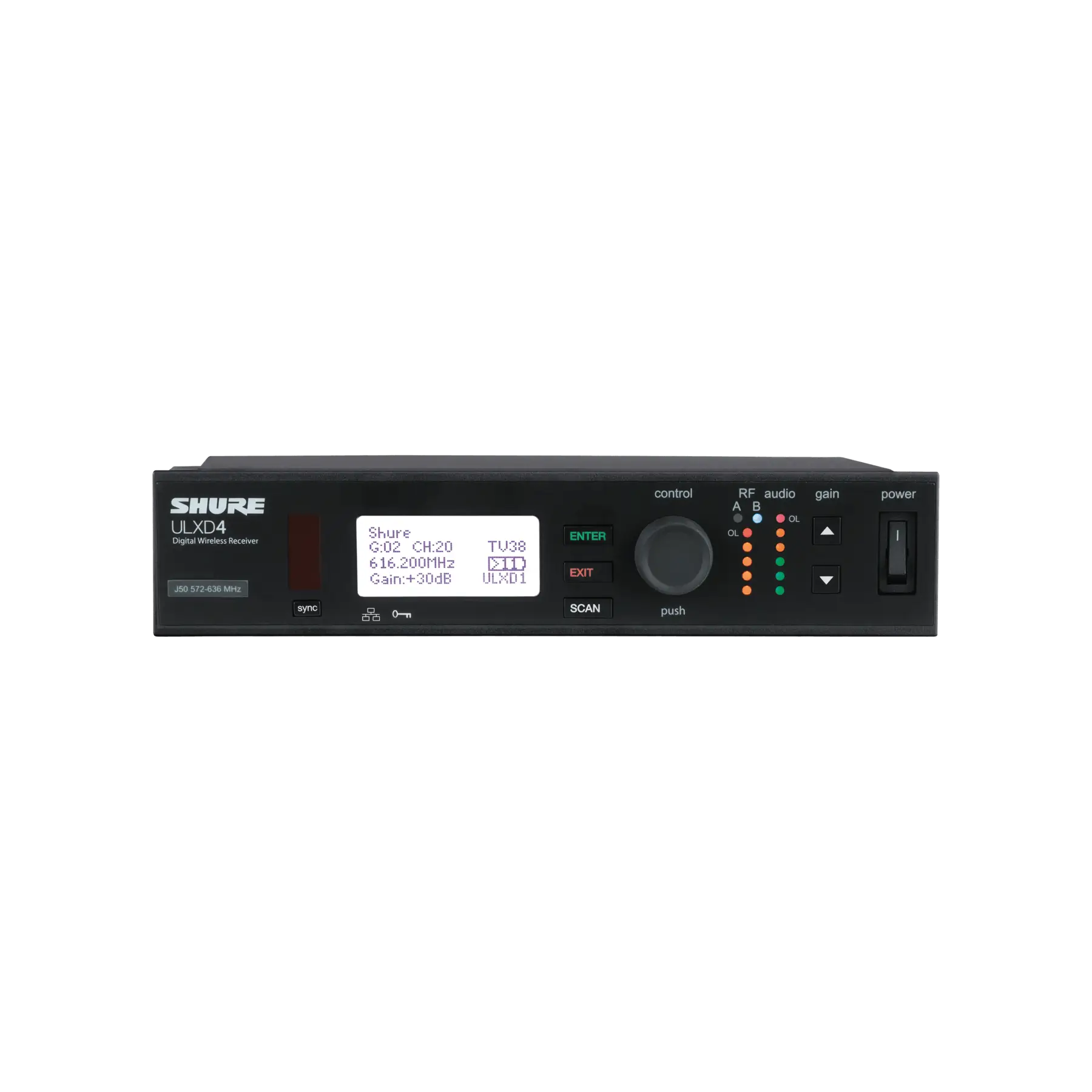 ULXD4-GVDigital Wireless ReceiverLearn More
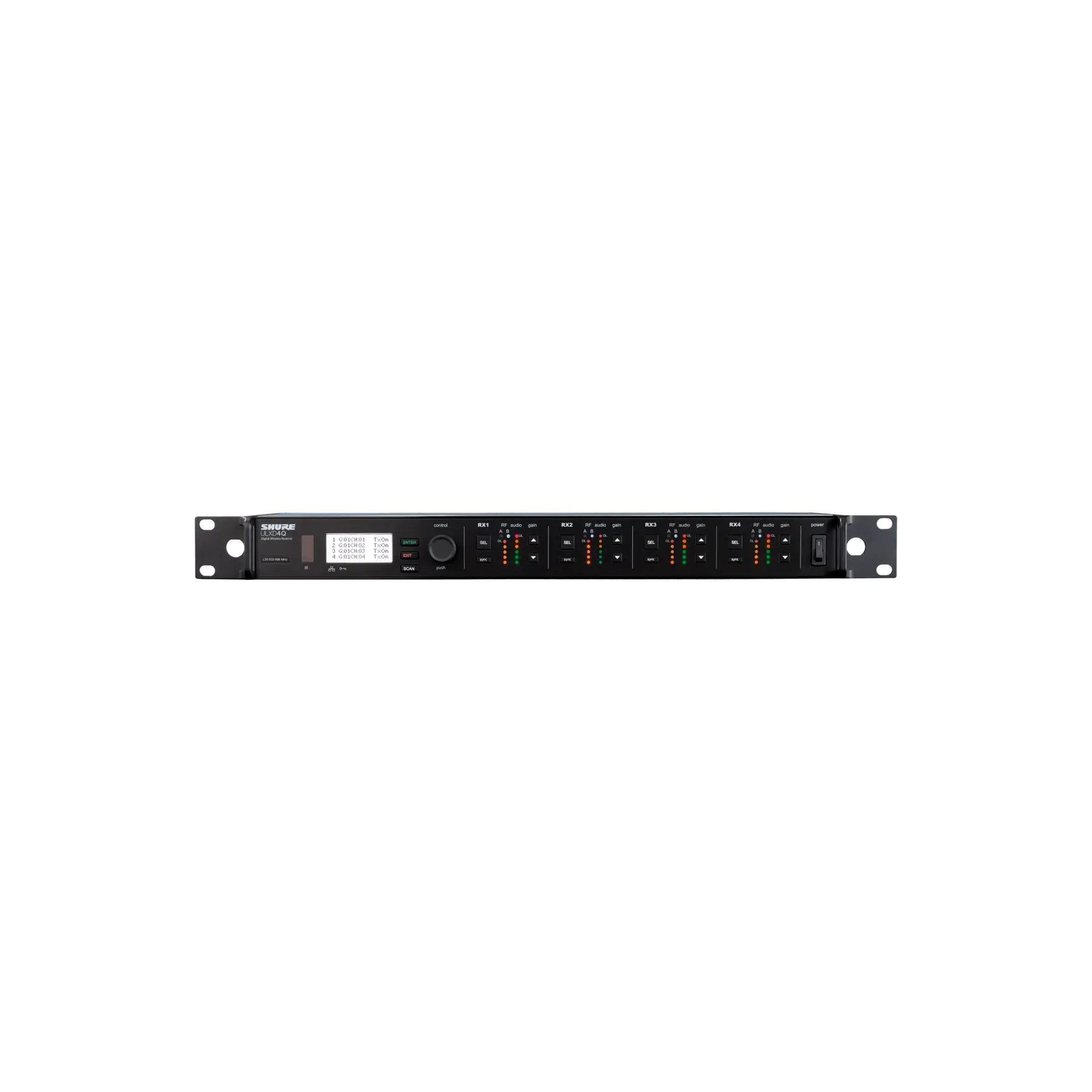 ULXD4Q-GVQuad-Channel Digital Wireless Receiver$6,776.00Learn More
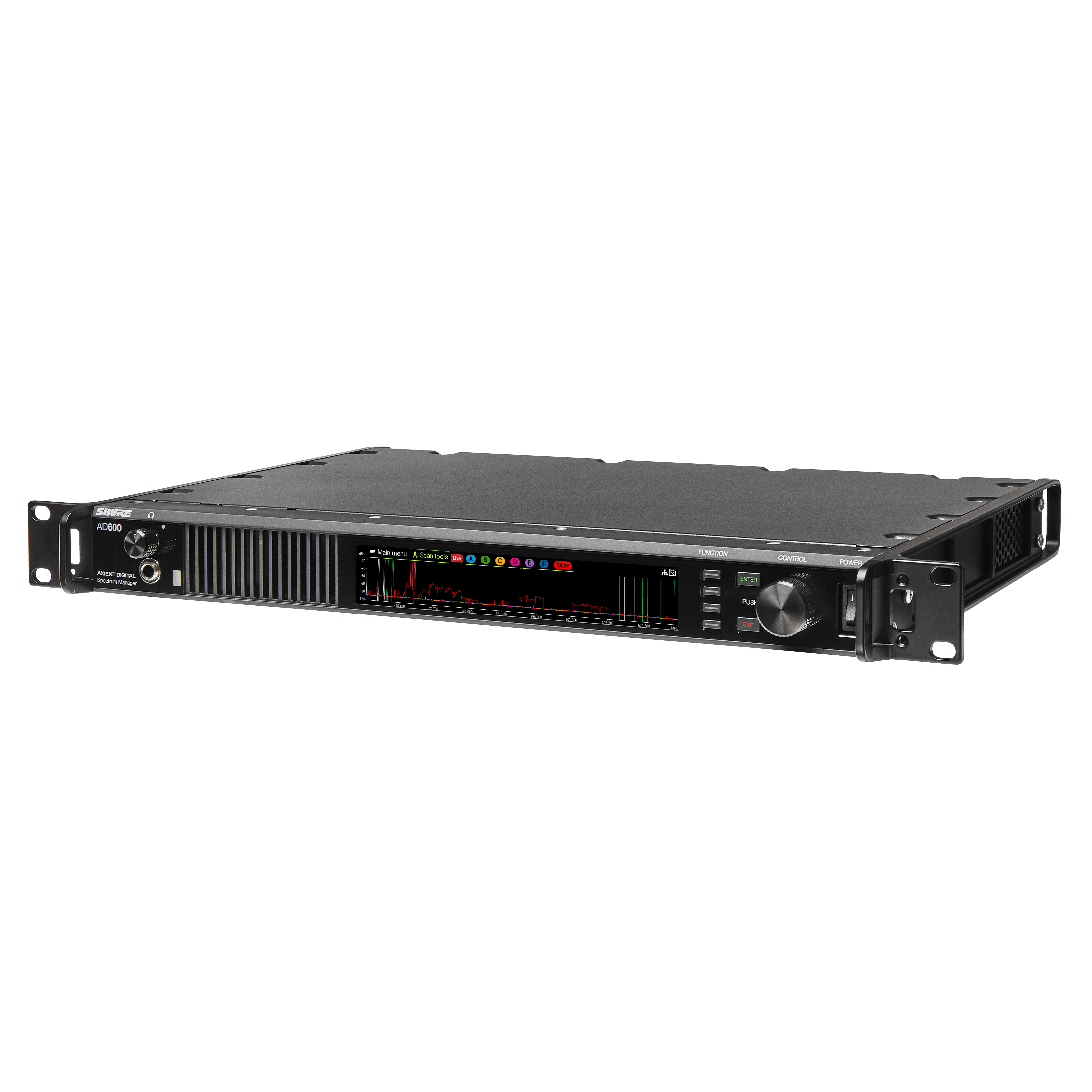 AD600Axient® Digital Spectrum ManagerLearn More
 ADX3Axient® Digital Plug-On Transmitter with ShowLink®Learn More
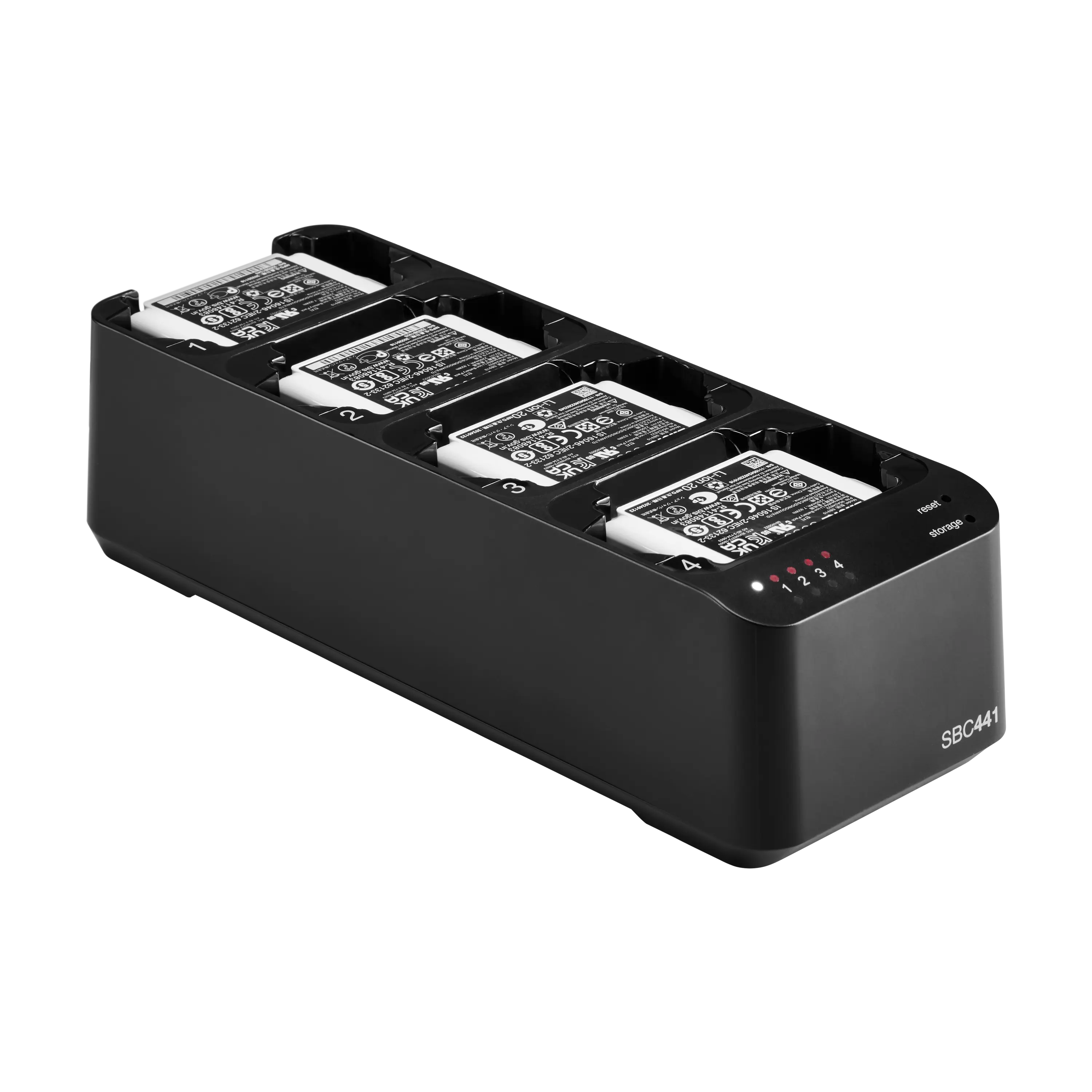 SBC441Axient® Digital PSM 4-Bay Docking ChargerFrom$625.00Learn More
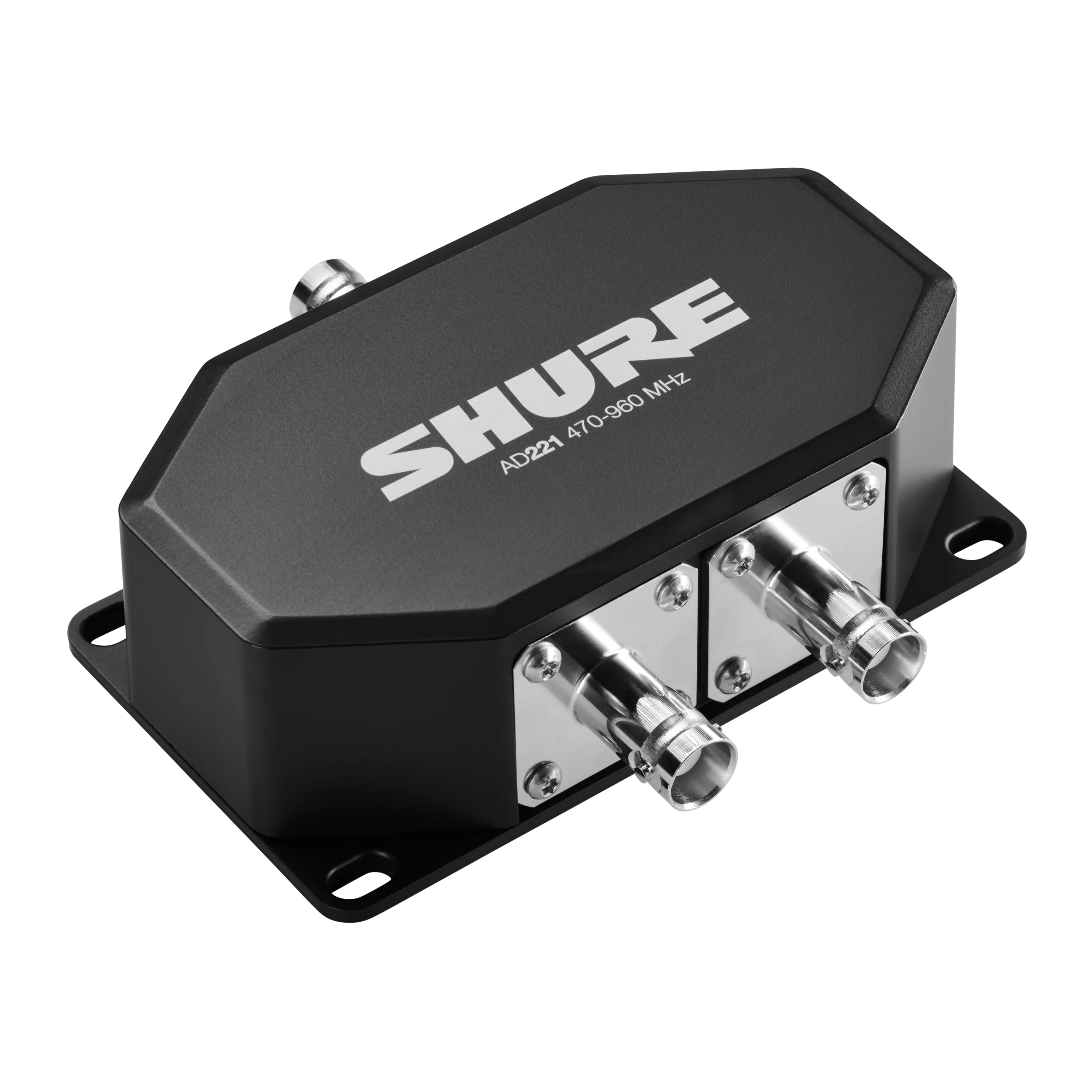 AD221Axient® Digital PSM 2-Way Passive Combiner/Splitter$385.00Learn More
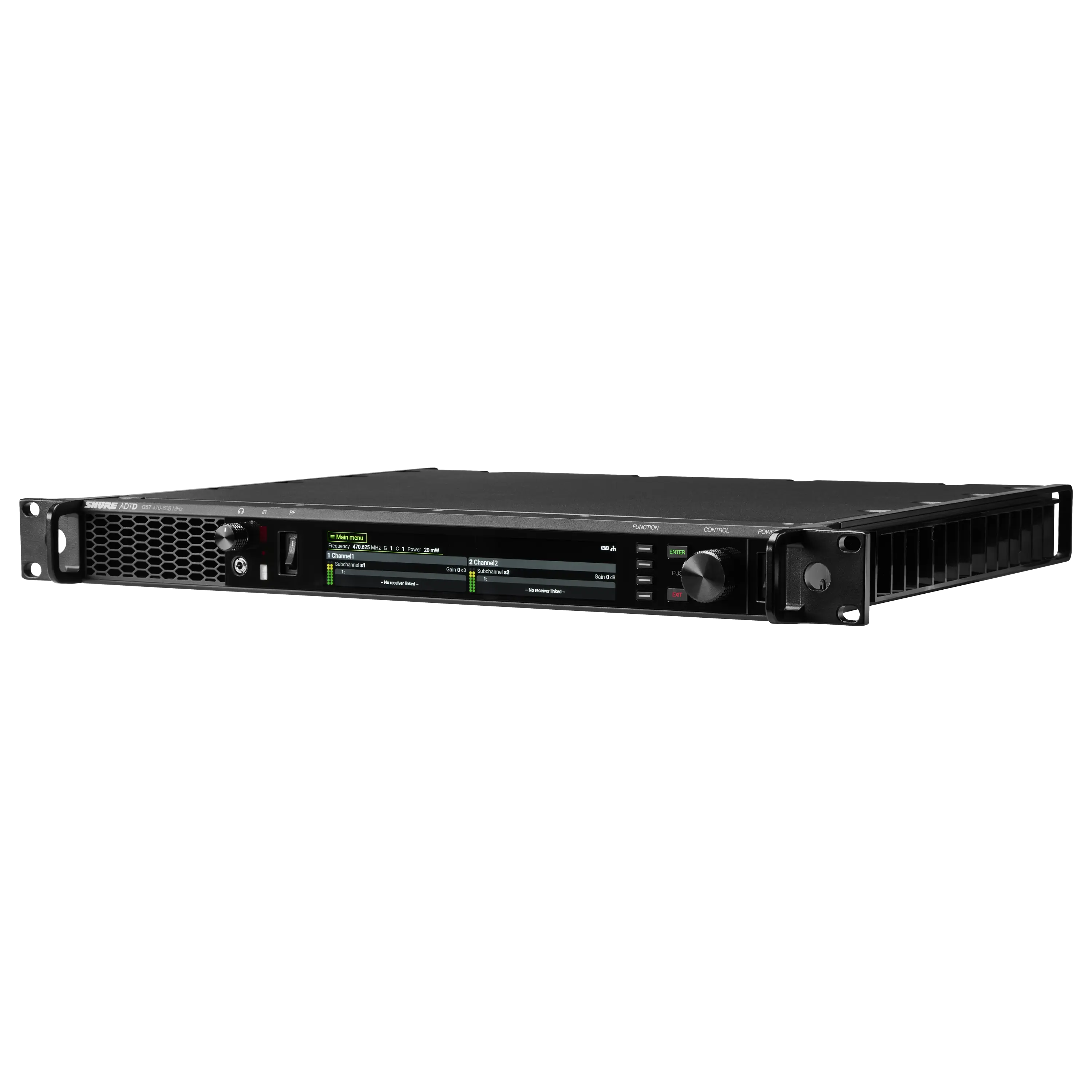 ADTDAxient® Digital PSM Wireless Dual TransmitterFrom$4,950.00Learn More
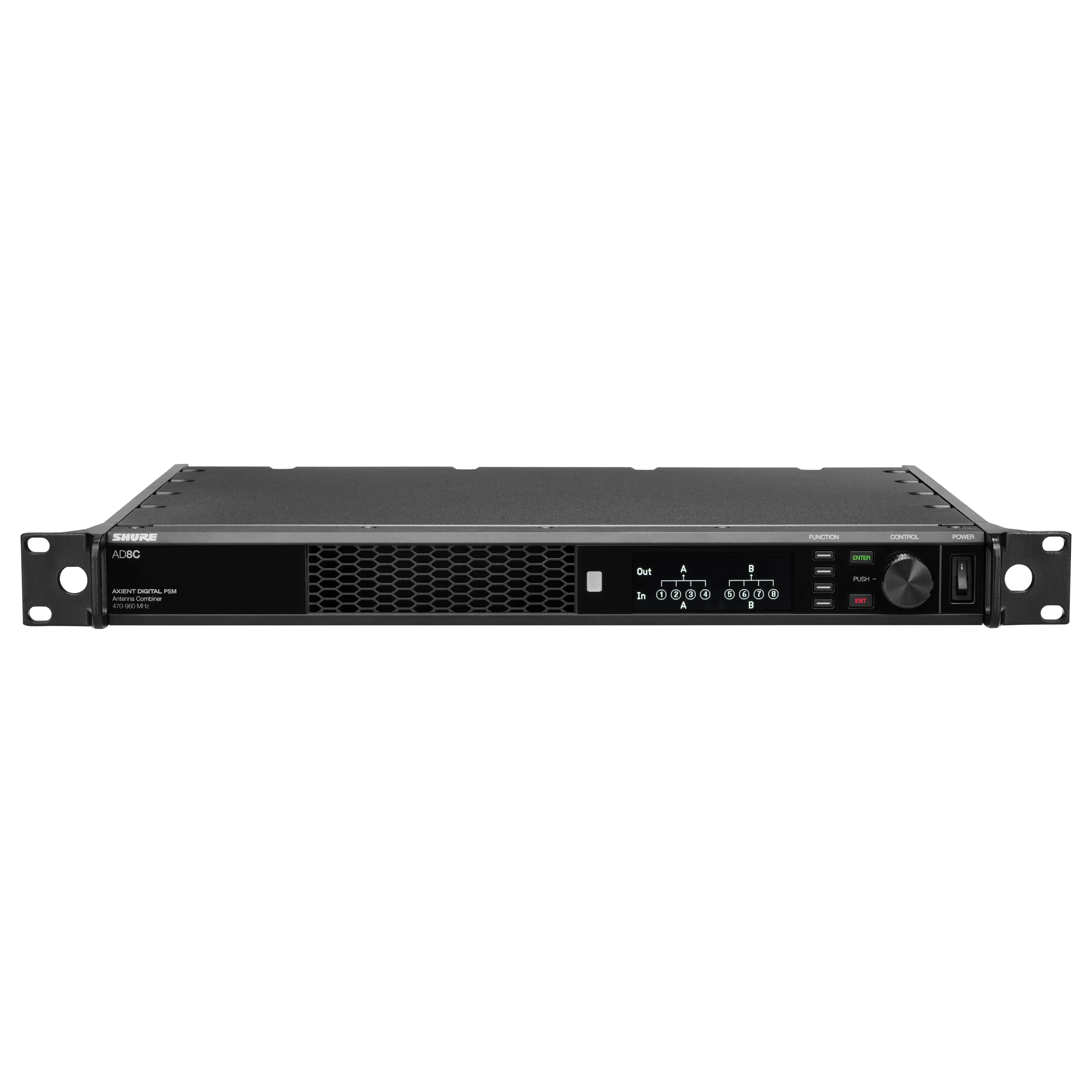 AD8CAxient® Digital PSM 8-Port Antenna CombinerFrom$4,065.00Learn More
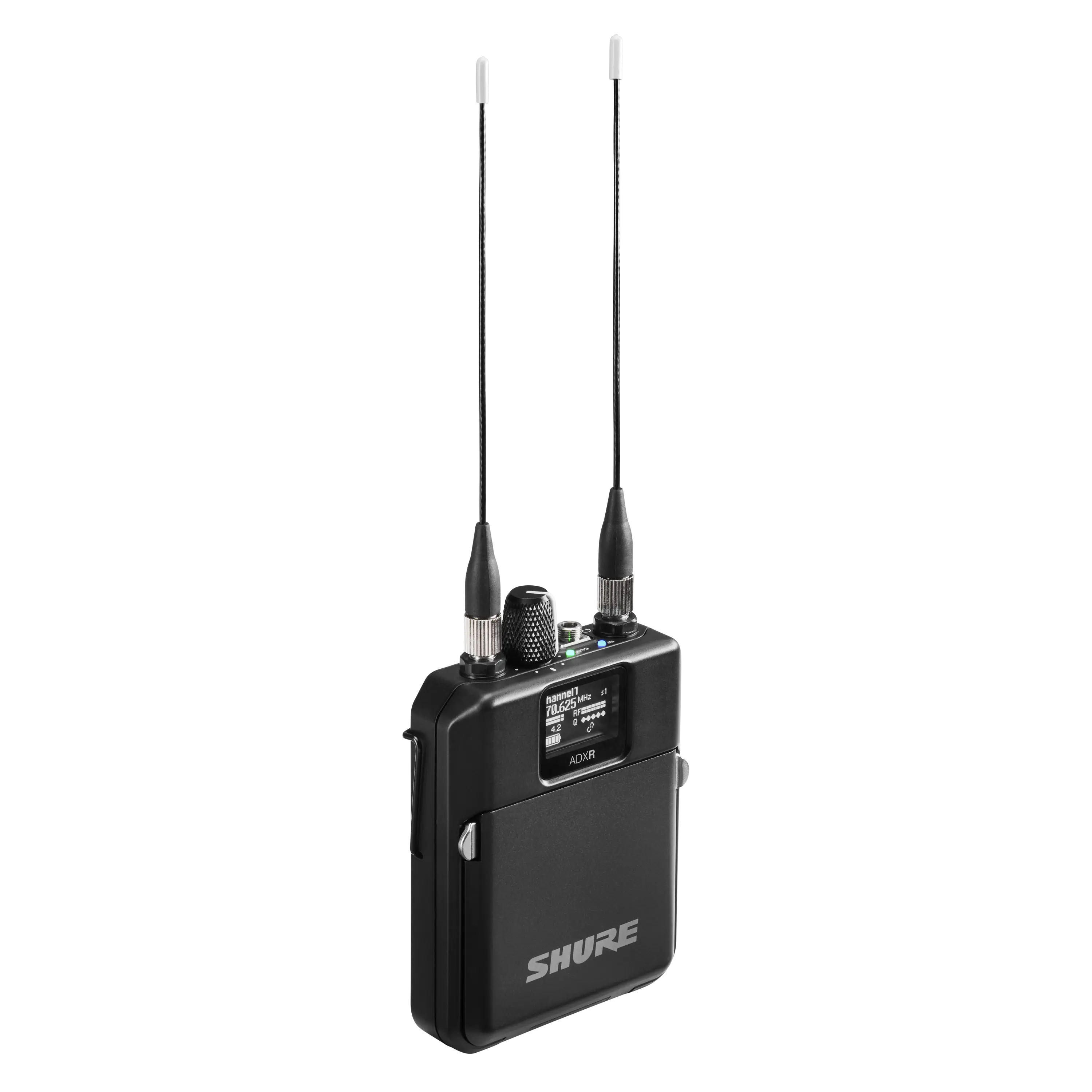 ADXRAxient® Digital PSM Wireless Bodypack Receiver$1,837.00Learn More
 Axient® Digital PSMAdvanced Digital In-Ear Monitor SystemFrom$6,787.00Learn More
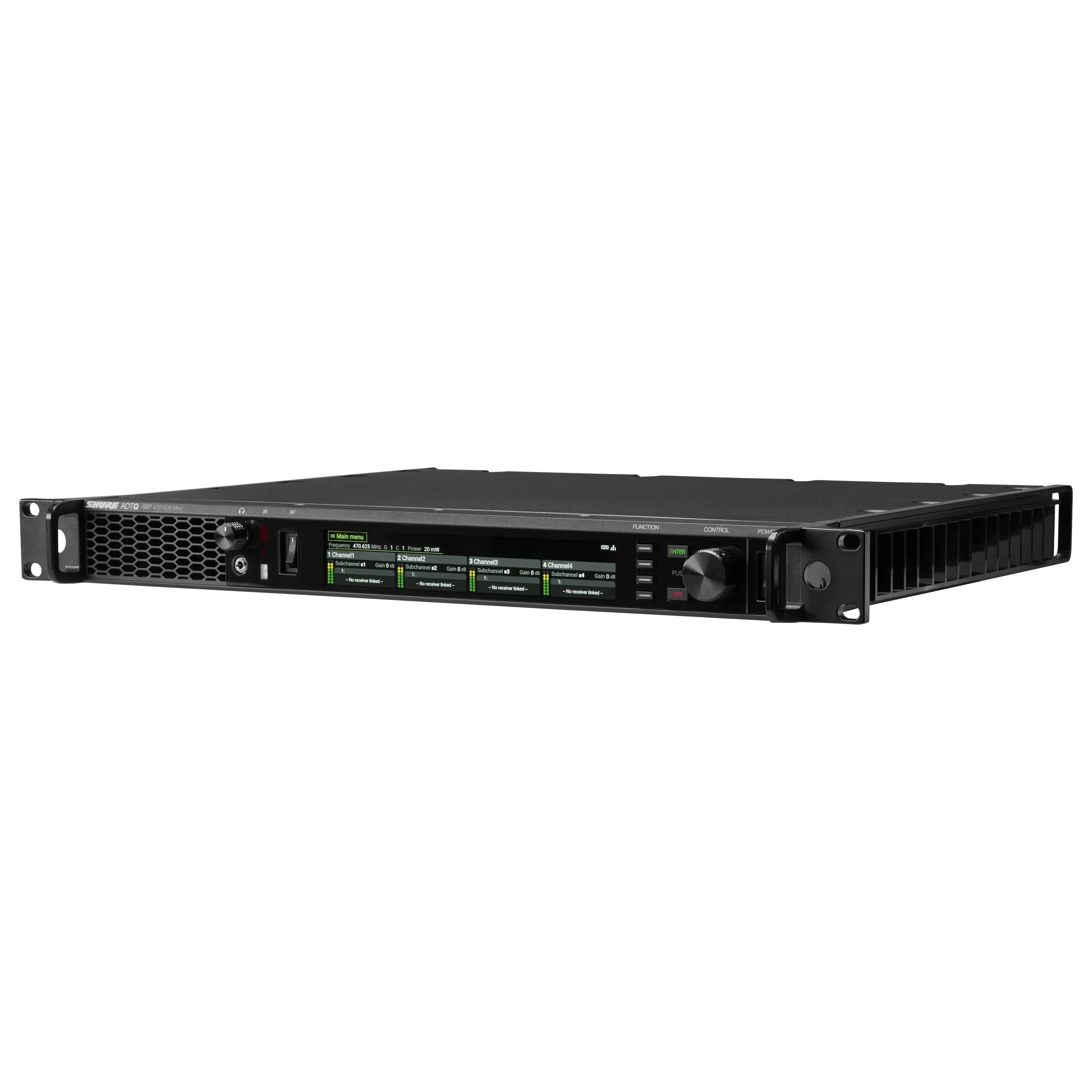 ADTQAxient® Digital PSM Wireless Quad TransmitterFrom$9,460.00Learn More
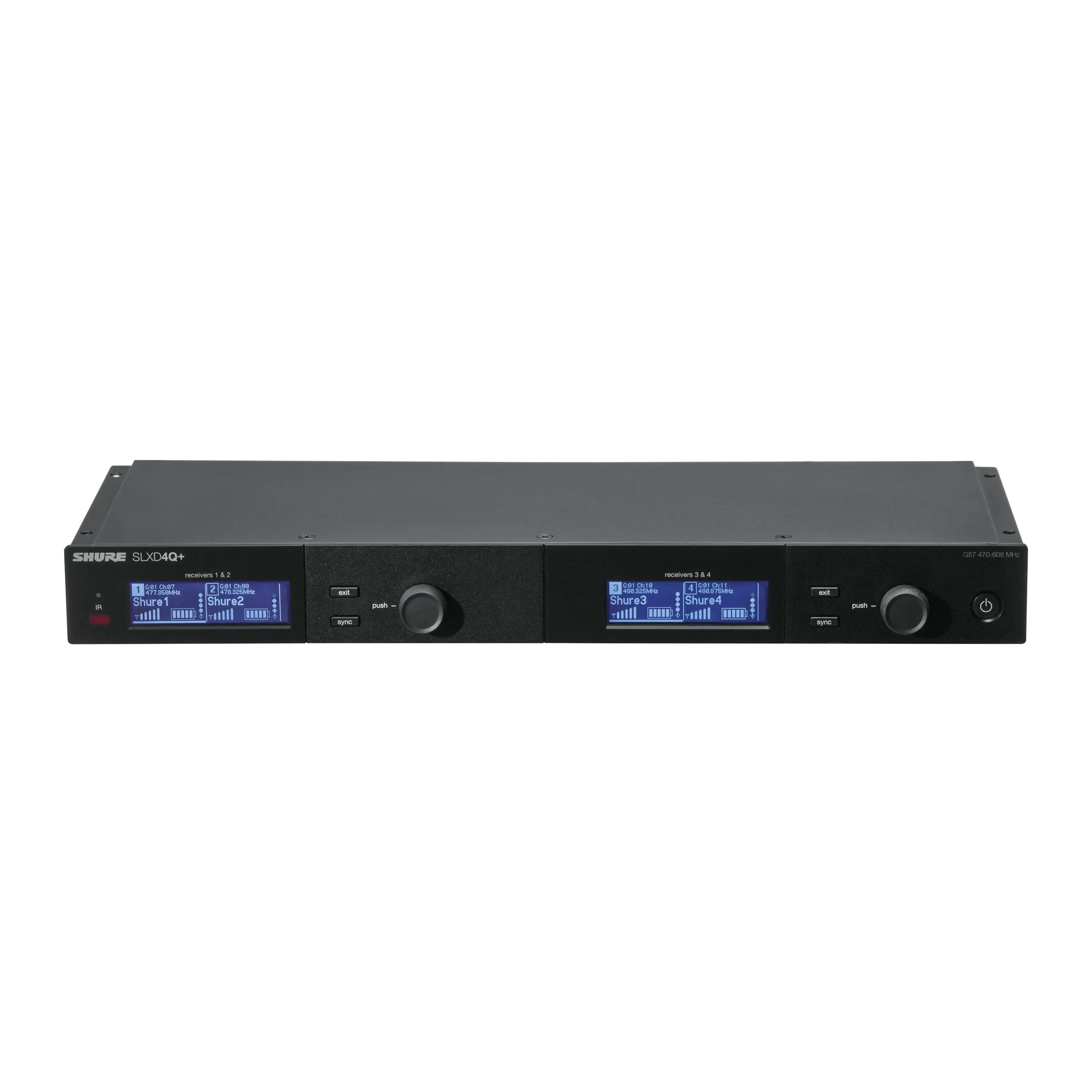 SLXD4Q+Quad Channel Receiver
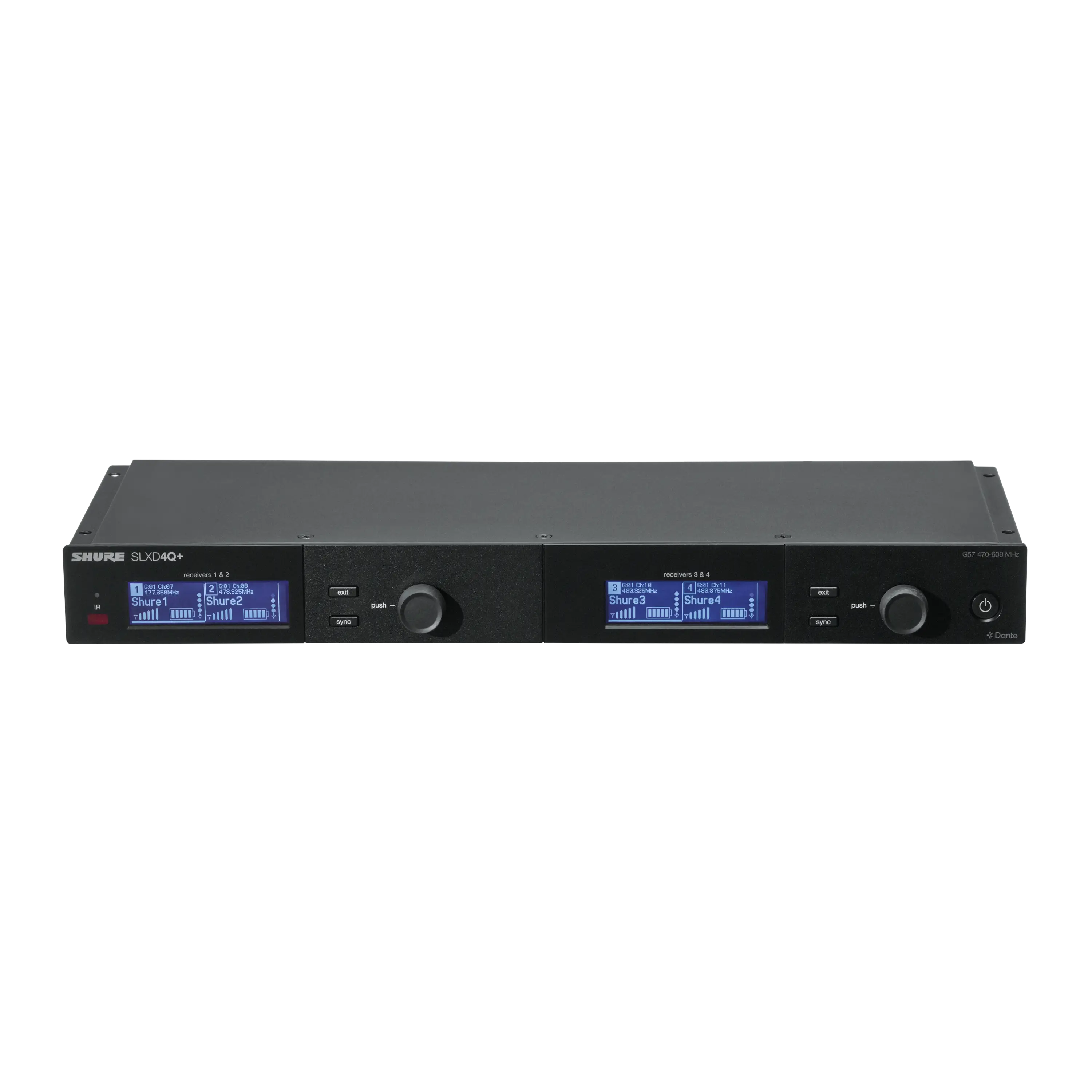 SLXD4QDAN+Quad Channel Receiver with Dante Audio
 ANX4Scalable Wireless Receiver for Axient® Digital and ULX-D® SystemsLearn More
 SLXD1+Wireless Bodypack Transmitter
 SLXD2+/58Wireless Handheld Transmitter with SM58® Microphone
 SLXD2+/B58Wireless Handheld Transmitter with Beta® 58A Microphone
 SLXD2+/B87AWireless Handheld Transmitter with Beta® 87A Microphone
 SLXD2+/B87CWireless Handheld Transmitter with Beta® 87C MicrophoneLearn More
 SLXD4+Digital Wireless Receiver
 SLXD4D+Dual Channel Wireless Receiver
 SLXD5+Portable Digital Wireless Receiver
 SLXD2+/K8BWireless Handheld Transmitter with KSM8 Dualdyne™ Microphone
 SLXD2+/N8CWireless Handheld Transmitter with Nexadyne™ 8/C Microphone
 SLXD3+Wireless Plug-On Transmitter With XLR Connector
 SLXD124+/85MDigital Wireless Combo System with SM58® Handheld and WL185m Lavalier Microphones
 SLXD14+Digital Wireless Bodypack System
 SLXD14+/153TDigital Wireless Bodypack System with MX153T Earset Headworn Microphone
 SLXD14+/85MDigital Wireless Bodypack System with WL185m Low-Profile Cardioid Lavalier Microphone
 SLXD14+/93Digital Wireless Bodypack System with WL93 Omnidirectional Lavalier Microphone
 SLXD14D+Dual Wireless Bodypack System
 SLXD14+/SM35Digital Wireless Bodypack System with SM35 Performance Headset Microphone
 SLXD15+Portable Digital Wireless System
 SLXD15+/85MPortable Digital Wireless System with WL185M Low-Profile Cardioid Lavalier Microphone
 SLXD24+/58Digital Wireless Handheld System with SM58® Cardioid Dynamic Microphone
 SLXD24+/B58Digital Wireless Handheld System with Beta® 58A Supercardioid Dynamic Microphone
 SLXD24+/B87ADigital Wireless Handheld System with Beta® 87A Supercardioid Condenser Microphone
 SLXD24D+/58Dual Wireless System with 2 SLXD2+/58 Handheld Transmitters
 SLXD24D+/B58Dual Wireless System with 2 SLXD2+/B58 Handheld Transmitters
 SLXD24D+/N8CDual Wireless System with Nexadyne™ 8/C Handheld Transmitters
 SLXD24+/N8CDigital Wireless Handheld System with Nexadyne™ 8/C Cardioid Dynamic Microphone
 SLXD25+/58Portable Digital Wireless System with SM58® Cardioid Dynamic Microphone
 SLXD35+Portable Digital Wireless System with SLXD3+ Plug On Transmitter
Reviews
Further Reading


Wireless Workbench 7: New Scan Library, Updated Look and More!
Wireless Workbench® 7 introduces powerful new tools to simplify RF spectrum management for audio professionals. From the integrated Scan Library for effortless pre-coordination to a sleek dark mode interface and enhanced device discovery, WWB7 is designed to streamline your workflow and keep you show-ready in any environment.

Getting the most out of Axient Digital with Wireless Workbench 6
Amid shrinking spectrum and surging wireless traffic, command and control functionality is becoming increasingly important for professional audio applications. Learn how get the most out of Axient Digital with the Wireless Workbench 6 software.